
Apps for monitoring mobile signal quality in the city
To use Apps for monitoring mobile signal quality It has become an almost intuitive habit for those who are tired of staring at the infinite loading icon in the middle of the street.
Adverts
The promise of 5G sold the idea that unstable connections would be a thing of the past, but all it takes is stepping into an elevator, taking a bus during rush hour, or walking between tall buildings to realize that the urban landscape still imposes physical barriers that are difficult to ignore.
This guide gets straight to the point: no technical jargon, just practical data to help you understand exactly what's happening with your mobile internet.
Summary
- What are the best apps for monitoring mobile signal quality?
- How to test mobile connection strength in real time?
- Which app displays the most accurate signal coverage maps?
- Comparative Table of the Main Tools
- How to fix fluctuating cell phone signal?
- Conclusion
- Frequently Asked Questions (FAQ)
What are the best apps for monitoring mobile signal quality?
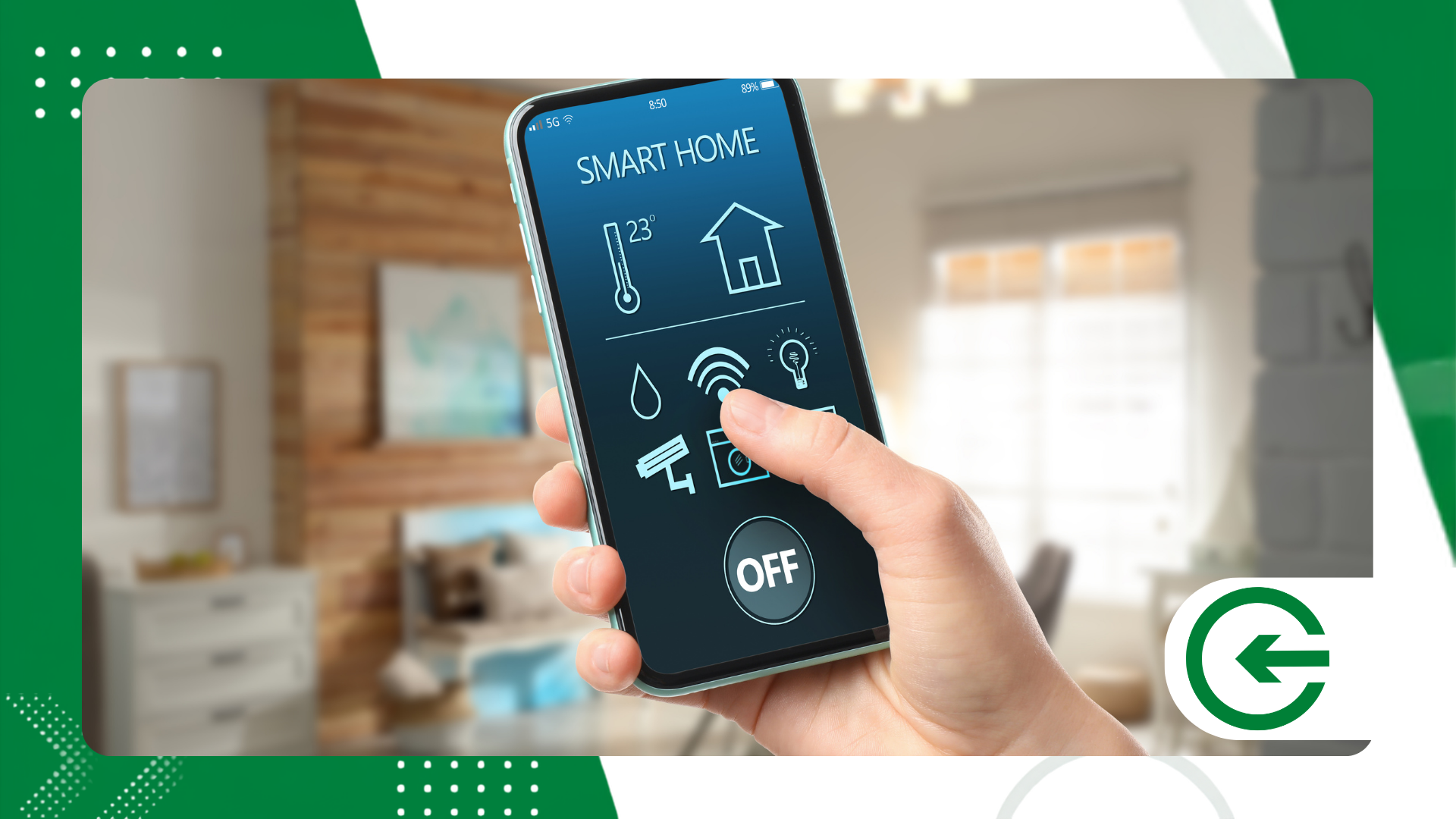
Opensignal remains the leading reference for those seeking impartiality. Instead of relying on carrier marketing, it relies on the collective experience of users themselves to map where the connection actually works and how 4G and 5G frequencies behave in daily traffic.
If your priority is to check raw download speeds or latency in games and calls, Ookla's Speedtest is the logical choice.
advertising
The app's interactive map helps you find out if the temporary slowdown is a problem with your line or an antenna failure in the entire neighborhood.
Those who enjoy looking under the hood of the Android ecosystem will find Network Cell Info Lite to be a surgically precise diagnostic tool.
It translates the famous "bars" into decibels-milliwatts (dBm) and indicates in real time which tower your cell phone is connected to.
In the Brazilian context, Anatel Meu Sinal It fulfills a fundamental role of public utility.
In addition to displaying a map of official antennas, the app allows users to register instabilities directly in the regulatory agency's database, transforming individual complaints into metrics for enforcement.
Another quite solid option for detailed analysis is SignalCheck Pro. It monitors the transition between frequencies in indoor and outdoor environments, alerting you when the system forces a tower change to compensate for shadow areas in the city.
To resort to Apps for monitoring mobile signal quality It gives you control of the situation before signing a contract or changing plans.
Choosing the ideal tool depends on how much technical detail you actually need in your daily work.
How to test mobile connection strength in real time?
That visual indicator at the top of the smartphone is often misleading, as each manufacturer uses a different criterion for designing the bars.
The true and reliable measurement is made in dBm: the closer the number is to -50 dBm, the cleaner and more stable the signal received; readings close to -110 dBm indicate that the connection is wired.
Tracking this fluctuation live is easy with the Network Cell Info uses a dynamic panel that updates every fraction of a second. It's the fastest way to identify shadows cast in your own living room or office.
Opensignal It adopts a complementary approach by testing the practical delivery of data packets. It simulates playing videos and games while you're on the move, revealing how the city's infrastructure handles abrupt changes in location.
For those seeking to understand the regulatory landscape and official connectivity indicators in the country, the portal Anatel official
It compiles detailed reports on network expansion and the average quality of service delivered by providers.
Integrate Apps for monitoring mobile signal quality Integrating your routine avoids the hassle of guessing who is to blame for the network outage.
With reports saved on the device, it becomes much easier to dispute incorrect charges or demand technical support that matches the contracted plan.
++ How to check which devices are connected to your Google account
Which app displays the most accurate signal coverage maps?
The great virtue of Opensignal lies in the passive collaboration of millions of smartphones spread throughout cities.
The app ignores the theoretical maps published in advertisements and draws the actual coverage, reflecting geographical barriers and urban density.
Ookla's Speedtest coverage map also delivers excellent visual accuracy, allowing you to quickly switch between 4G and 5G networks to plan routes or assess network quality at a new address.
Another tool that has been gaining traction among technology enthusiasts is CoverageMap. Focused on community mapping, it details the average speed recorded block by block, revealing glaring signal discrepancies between neighboring streets.
Working with Apps for monitoring mobile signal quality It takes the decision of switching providers out of the realm of guesswork, clearly showing which company has actually invested in the infrastructure of the places you frequent.
++ How to find a page you recently visited
Comparative Table of the Main Tools
| Application | Main Focus | Featured Resources | Supported Platforms |
| Opensignal | Real coverage mapping | Streaming test, collaborative data, latency | Android, iOS |
| Speedtest Ookla | Speed and response test | Antenna map, packet loss measurement | Android, iOS, Web |
| Network Cell Info | Advanced technical diagnostics | Direct reading in dBm, tower identification. | Android |
| Anatel My Signal | Official records and oversight | Notification of failures, consultation with the agency's antennas. | Android, iOS |
| CoverageMap | Visual comparison block by block | Mapping by users, local average speeds | Android, iOS, Web |
How to Optimize Mobile Signal Reception in Your Daily Life
To ensure the best mobile signal reception in urban environments, it's crucial to understand that small physical and configuration changes to your smartphone make a huge difference.
In enclosed spaces or areas with a high density of architectural barriers, the network frequency may suffer severe attenuation, requiring the device to increase its power consumption to maintain an active connection.
By using real-time monitoring tools, you can accurately identify the points of greatest interference in your home or workplace.
Additionally, temporarily switching the network mode to more stable frequencies in shadow areas prevents constant fluctuations during calls or data transmissions.
Keeping the operating system updated also ensures that the device's internal modems operate with the latest tower search algorithms.
Finally, by mapping the peak congestion times in your area, it becomes much easier to plan tasks that require high bandwidth without relying on luck.
++ How to find out if your data has appeared in a data breach.
How to fix fluctuating cell phone signal?
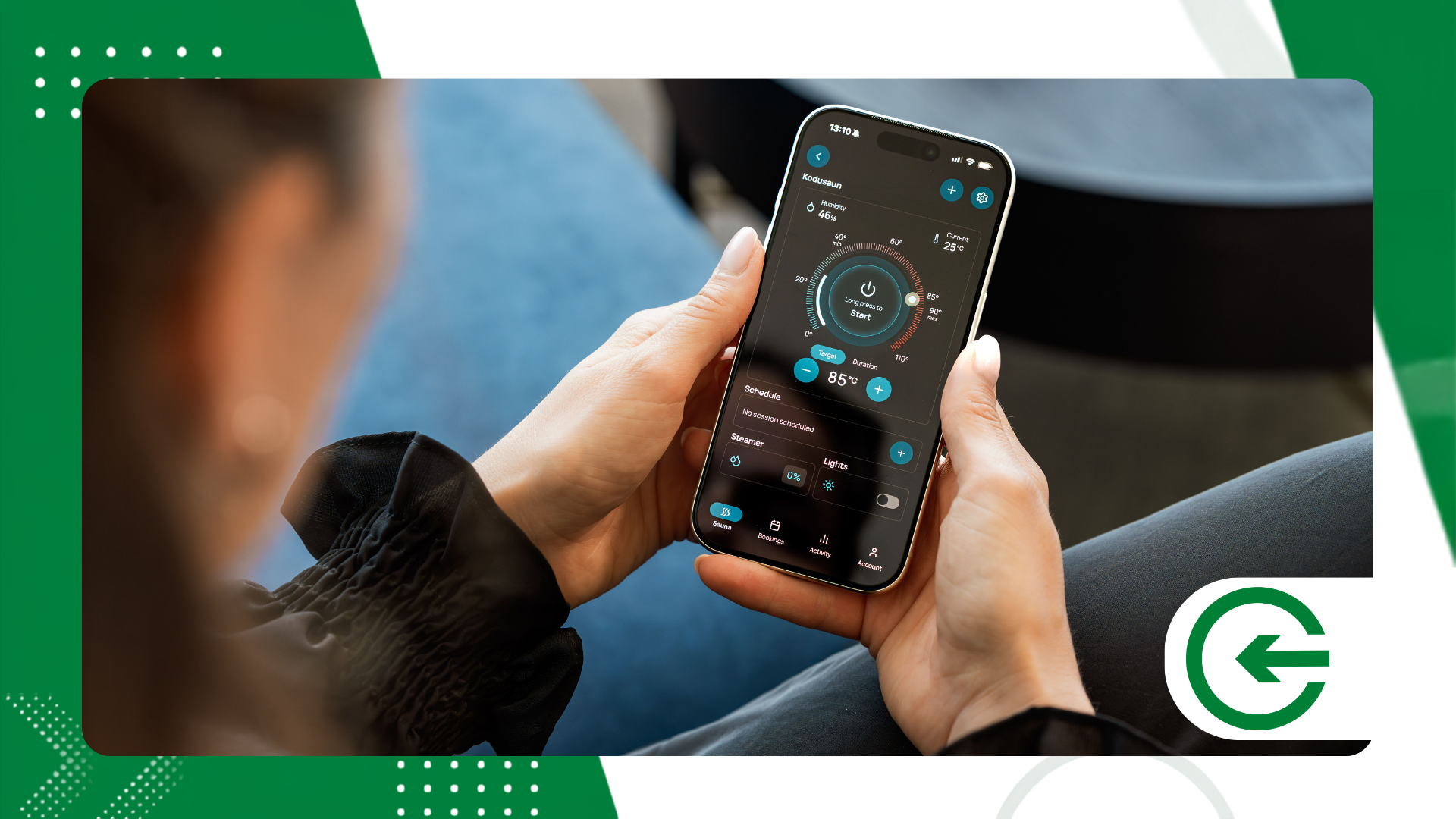
One of the oldest solutions remains surprisingly effective: activate airplane mode for ten seconds and then turn it off.
This command forces the cell phone modem to stop searching for weak frequencies and immediately reconnect to the cell tower with the best range in the area.
Reviewing the operating system's network settings also prevents headaches.
Keeping the device configured to search for 5G networks in regions where the new technology is still in its early stages causes the phone to constantly fluctuate, draining the battery and impairing browsing stability.
Physical barriers constantly interfere with the signal. Reflective glass, reinforced concrete structures, and underground garages attenuate radio frequencies; moving a few steps toward a window usually restores the connection without needing to restart your device.
The consistent reading offered by Apps for monitoring mobile signal quality This helps to distinguish whether the problem is specific to your physical infrastructure or if the operator is facing a widespread service interruption in the neighborhood.
If your interest goes beyond everyday use and you wish to explore the telecommunications protocols that underpin modern networks, it is worth consulting the technical repository of... IEEE Xplore Digital Library, a global leader in engineering research and wireless networks.
Conclusion
Knowing exactly how the cell phone signal behaves where you live and work has gone from being a technical curiosity to a practical necessity.
Testing the right tools eliminates dependence on the operators' sales pitch and gives you concrete arguments to demand the service you pay for.
When in doubt, make your own mobile data your best ally to maintain a stable connection.
Frequently Asked Questions (FAQ)
What does dBm measurement mean in apps?
This refers to the actual metric of the signal strength captured by the device's antenna. Values closer to zero (such as -65 dBm) represent an excellent signal, while numbers below -100 dBm indicate a weak connection prone to dropouts.
How can I find out which carrier has the best signal on my street?
Install Opensignal or Speedtest and check the map layer for your exact address. The readings show recent performance consolidated by other mobile phones that have passed through the same region.
Do monitoring apps consume a lot of phone battery?
The impact on battery life is minimal if the app is only used for occasional testing. Consumption increases if you leave continuous mapping functions running in the background with GPS enabled for many hours.
