
How to use Android quick share between devices
O Android fast sharing It solves one of the oldest pain points for those who use the system: sending files from one device to another without relying on cables, large email attachments, or compressions that destroy the quality of photos and videos.
Adverts
The tool finally delivered the fluidity that the ecosystem needed.
For a long time, data transfer within Google's system resembled a patchwork quilt. Tools came and went without ever becoming consolidated, creating noise in the experience of those who needed practical agility.
Understanding the dynamics of this ecosystem and adjusting privacy settings appropriately transforms your cell phone into an unhindered workstation. Below, you'll find a practical guide to mastering this workflow in your daily life.
Summary
- What is Quick Share and how does it work in the Android ecosystem?
- What are the prerequisites for using the feature flawlessly?
- How do I enable and configure quick share on Android on my mobile phone?
- How to send files between cell phones and tablets in just a few steps?
- How do I use the tool in Windows to transfer files with my PC?
- What are the device's privacy and visibility options?
- How to solve common connection and slow speed problems?
- Comparative table: wireless transfer methods
- Conclusion
- Frequently Asked Questions (FAQ)
What is Quick Share and how does it work in the Android ecosystem?
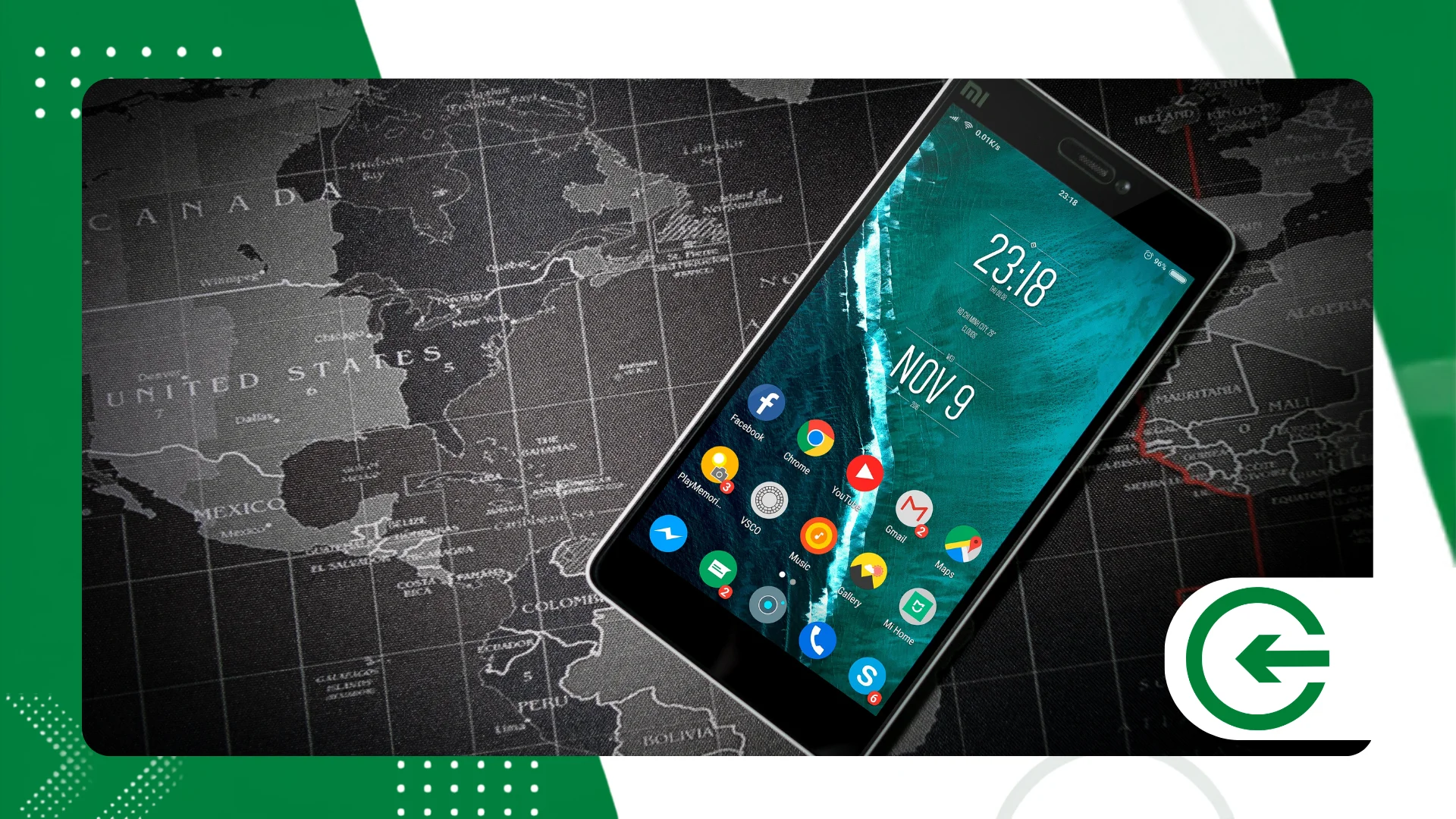
This move put an end to the fragmentation that separated users of different brands.
advertising
The mechanism operates with an invisible handshake between Bluetooth and Wi-Fi Direct. The former locates nearby devices; the latter handles the heavy transmission using local broadband.
The big advantage here is eliminating intermediaries. No photo needs to be uploaded to the cloud or pass through distant servers to reach the device next to your desk.
What are the prerequisites for using the feature flawlessly?
Use the Android fast sharing It requires very little, since the technical basis is present in the vast majority of cell phones in circulation today. The barriers to entry have practically ceased to exist.
The device needs to run at least Android 6.0 and keep Google Play services updated. This invisible layer of the system ensures that security protocols remain sharp.
In addition, Wi-Fi and Bluetooth antennas need to be turned on simultaneously. The system's location service must also be active to calibrate the actual proximity between the wireless modules.
How do I use the tool in Windows to transfer files with my PC?
Integrating your mobile phone with your computer only requires installing the official computer software. You can download the installer directly from [website/source]. official Android page to maintain the provenance of the file.
With the program installed on your computer, log in using the same Google account connected to your smartphone. This link allows direct sending without requiring manual confirmations for each small file sent.
To send something from your computer to your cell phone, simply drag the file into the program. The speed is impressive and it doesn't use a single megabyte of your cell phone data plan.
What are the device's privacy and visibility options?
This is an essential precaution to avoid receiving files from unknown senders.
The “Your devices” option is the most practical, as it automatically connects devices with the same Google account. The file arrives in the background without requiring you to approve the transfer on the screen.
The "Contacts" option limits discovery to the numbers saved on your SIM card. Finally, the open-to-everyone mode exposes the device for ten minutes before closing the door again.
++ How to check if a website is trustworthy before buying.
How to solve common connection and slow speed problems?
When the other device stubbornly refuses to appear in the search, the reason is usually physical distance. Bring the two devices closer together so that the Bluetooth signal can establish the initial connection.
Also check if battery saving mode is turned on on your smartphone. This power profile usually reduces the range of Wi-Fi Direct to conserve battery power, delaying data transfers.
If the signal drops mid-transaction, turn Wi-Fi and Bluetooth off and on again on both devices. Clearing the Google Play Services cache in the settings resolves more persistent stuttering.
++ How to set up automatic call answering on your cell phone
Comparative table: wireless transfer methods
The following table puts into perspective the main routes for moving data between devices today, highlighting where speed meets practicality in daily use.
| Transfer Method | Average Speed | Does it require internet? | File Size Limit | Security Level |
| Quick Share (Android) | Up to 100 MB/s | No (it doesn't use Wi-Fi Direct) | No practical limit | End-to-end encryption |
| Traditional Bluetooth | Up to 3 MB/s | No | No limit (very slow) | Basic safety |
| Email / Attachment | Limited to the band | Yes | Usually 25 MB | Variable by provider |
| Cloud (Drive/Photos) | Limited to the band | Yes | According to account space | Server-side encryption |
| Messengers (WhatsApp) | Limited to the band | Yes | Up to 2 GB (with compression) | End-to-end encryption |
How do I enable and configure quick share on Android on my mobile phone?
Open your phone's settings menu and look for the connections or linked devices section. The exact path may vary slightly depending on the device manufacturer's customization.
Pull down the notification bar to check if the tool's quick shortcut is already appearing in the main buttons. If you don't find the icon right away, simply edit the grid to drag it there.
Tap and hold the icon for a second to open the fine settings. This is where you choose your smartphone's public name and adjust your network's visibility level.
How to send files between cell phones and tablets in just a few steps?
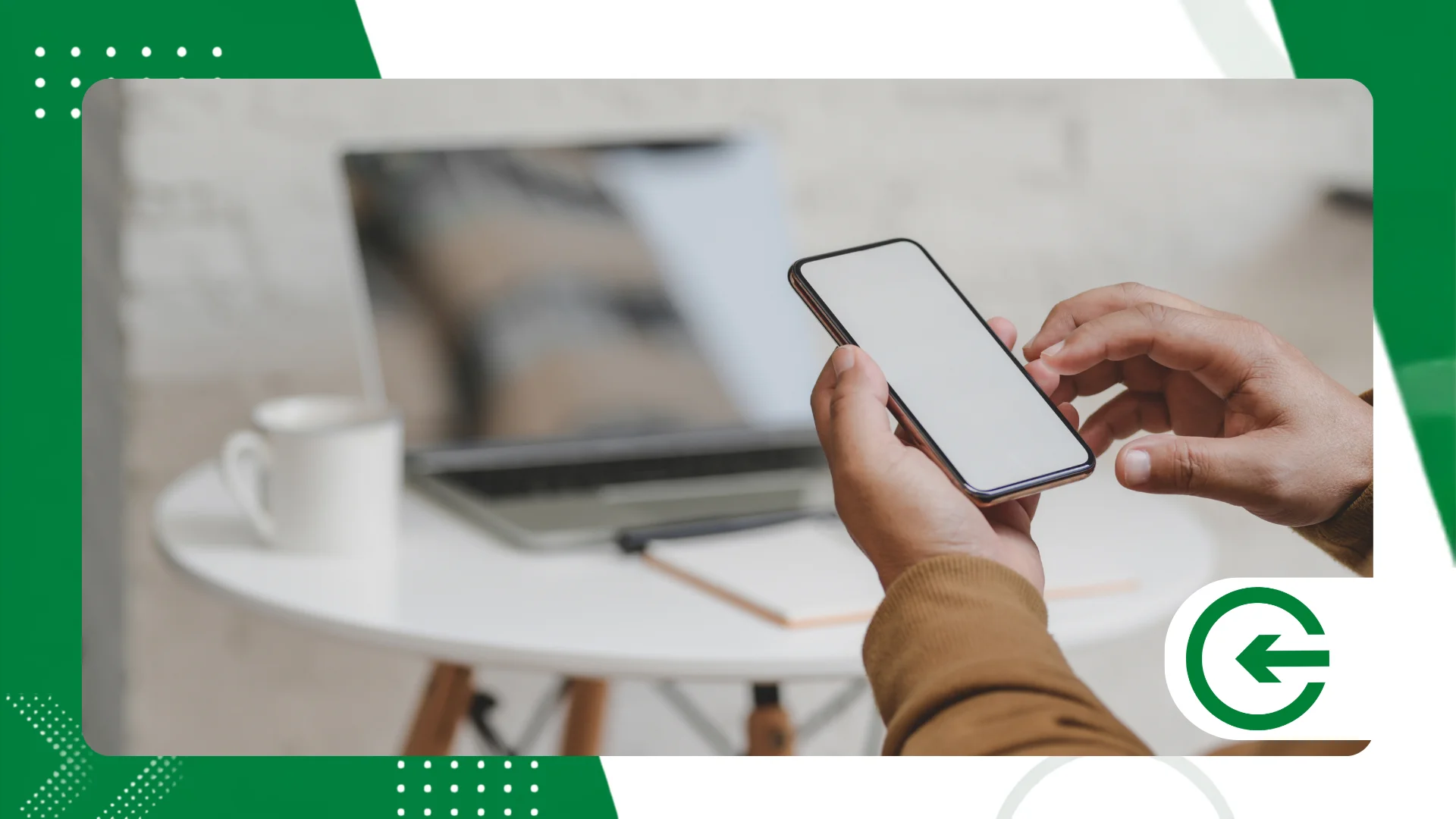
Go to your photo gallery or document manager and select the files you need to transfer. Then, click the default share button on the app screen.
Select the icon Android fast sharing in the list of options. The system starts scanning the surroundings immediately, looking for screens ready to receive the transmitted material.
Tap the recipient's name that appears in the search panel on your screen. On the other end, the person only needs to confirm receipt for the download to begin without delay.
++ Free tools that check a website's security.
Conclusion
O Android fast sharing This represents the maturation the system needed to connect devices seamlessly. Cutting the umbilical cord of cables and escaping dependence on an internet connection brings an immediate gain in autonomy.
Adjusting the visibility settings ensures that this wireless bridge doesn't become a security bottleneck in your routine. In turn, expanding the feature to Windows finally brings the desktop and mobile devices closer together natively.
Incorporating this habit reduces unnecessary steps in your workflow and preserves the integrity of your files.
To keep up with the system's security guidelines and updates, it's worth consulting the portal. Google Safety Centerand keep your data protected.
Frequently Asked Questions (FAQ)
Does Quick Share use up my mobile data allowance?
No. The transmission creates a direct link via Wi-Fi Direct and Bluetooth between the two devices, without consuming your 4G or 5G mobile data.
Is it possible to use Android Quick Share with Mac computers?
The native application was built with the Windows ecosystem in mind. To transfer data to macOS, you will need to use third-party software or browser-based services.
Why does the transfer speed decrease at certain times?
Physical interference in the environment or polluted networks in the 2.4 GHz frequency affect the transfer rate. Keeping devices side-by-side and using 5 GHz channels ensures maximum speed.
Does the feature work if the receiving device is not connected to the internet?
Yes, the feature works without any internet signal. The wireless network is used locally, only as a high-speed channel between the source and the destination.
