
How to activate earthquake alerts on your cell phone in Brazil
To know How to activate earthquake alerts on your cell phone. It may seem like a distant concern, one that only makes sense in Hollywood movies or news reports about the Pacific Ring of Fire.
Adverts
In Brazil, we grew up with the comforting mantra that we were blessed with a geography free from natural disasters.
Reality, however, insists on shattering this myth from time to time.
The country is not immune to seismic activity, and although we don't experience earthquakes of apocalyptic magnitude, low- and medium-intensity tremors are more common than we might intuitively think.
Given this scenario, configuring your mobile device to receive emergency alerts ceases to be paranoia and becomes pure prudence.
advertising
It's a simple, completely free preventative measure that can avoid widespread panic during a crisis.
Summary
- Is Brazil really at risk of experiencing earthquakes?
- How does the earthquake alert system on a cell phone work?
- How do I activate earthquake alerts on my Android phone?
- How to receive natural disaster notifications on iPhone (iOS)?
- History of tremors recently recorded in Brazil.
- What to do during an earthquake?
- Frequently Asked Questions (FAQ)
Is Brazil really at risk of experiencing earthquakes?
There is a crucial difference between geological stability and total immunity.
The Brazilian territory rests on the center of the South American Plate, which protects us from the mega-earthquakes that shape the neighboring mountain ranges, but the country's subsoil is cut by ancient geological fissures and faults that accumulate pressure.
Cities in the interior of Minas Gerais, in the Northeast, and even on the coast of São Paulo feel the effects of this underground dynamic with undesirable frequency.
The shock of seeing walls cracking or furniture shaking takes anyone out of their comfort zone, transforming monitoring into a real public safety necessity.
To ensure that the population knows how it works. Earthquake alerts on your cell phone This is the first step towards creating a culture of prevention, something that is still in its infancy here.
Pre-digested technical information replaces despair with conscious action when the ground decides to move beneath our feet.
How does the earthquake alert system on a cell phone work?
Modern smartphones carry in their pockets a fascinating technology that transforms the devices into a living global network of mini-seismographs.
The system developed by Google takes advantage of the devices' internal accelerometers — the same sensors that detect when you turn the device's screen sideways.
When thousands of cell phones within the same perimeter detect a vibration with the same seismic wave pattern, the servers cross-reference the data in milliseconds.
You gain precious time that can mean the difference between protecting yourself from a vulnerable roof or being caught off guard.
This technology doesn't predict the future hours in advance, but it reacts quickly enough to trigger human reflexes in time.
How do I activate earthquake alerts on my Android phone?
The Android system includes this tool by default, integrated into the location services ecosystem, but it is usually disabled by default in Brazil.
To change this, you need to access the device's main settings menu and scroll down until you find the "Security and Emergency" option.
Tap on “Earthquake Alerts” and activate the corresponding selector switch to put the mechanism in standby mode.
It is vital to keep the device's GPS always active, as the system needs to know exactly where you are to send the correct alert.
Once enabled, the function takes over in critical situations, emitting unmissable audible signals if a significant tremor hits your area.
To have Earthquake alerts on your cell phone This configuration eliminates the need to monitor resource-intensive applications that drain system performance.
How to receive natural disaster notifications on iPhone (iOS)?
Apple takes a different approach, betting on integration with cellular transmission systems maintained by local governments in each country.
Here, the system is driven by the National Civil Defense, which uses cell-based broadcast channels to send emergency text messages directly to the screen.
To ensure you receive the notification, open your iPhone's "Settings," select "Notifications," and scroll down to the bottom of the page.
There you will see the "Government Alerts" tab, where the emergency and public safety selectors should remain activated to avoid surprises.
It's worth creating redundancy by sending a free SMS with your zip code to the Civil Defense hotline 40199.
This simple action links your line to the national alert system, serving as a safe haven should internet-based services experience fluctuations.
++ How to find out which apps use your location.
History of tremors recently recorded in Brazil.
Reports from the USP Seismology Center make it clear that the silence of the earth here is an illusion of our senses.
The table below compiles events that made headlines and proves that the phenomenon is spreading across different coordinates of the national map.
++ How to see everything that's draining your phone's battery — and stop the culprits.
| Year | Event Location | Magnitude (Richter Scale) | Observed Impact in the Region |
| 2020 | Mutuípe (BA) | 4.6 | Damage to structures and chaos in the streets. |
| 2023 | Miracatu (SP) | 4.0 | Reflections felt in the city of São Paulo. |
| 2024 | Sete Lagoas (MG) | 3.0 | A series of tremors startled local residents. |
| 2025 | Tarauacá (AC) | 6.5 | Deep event, without major surface damage. |
What to do during an earthquake?
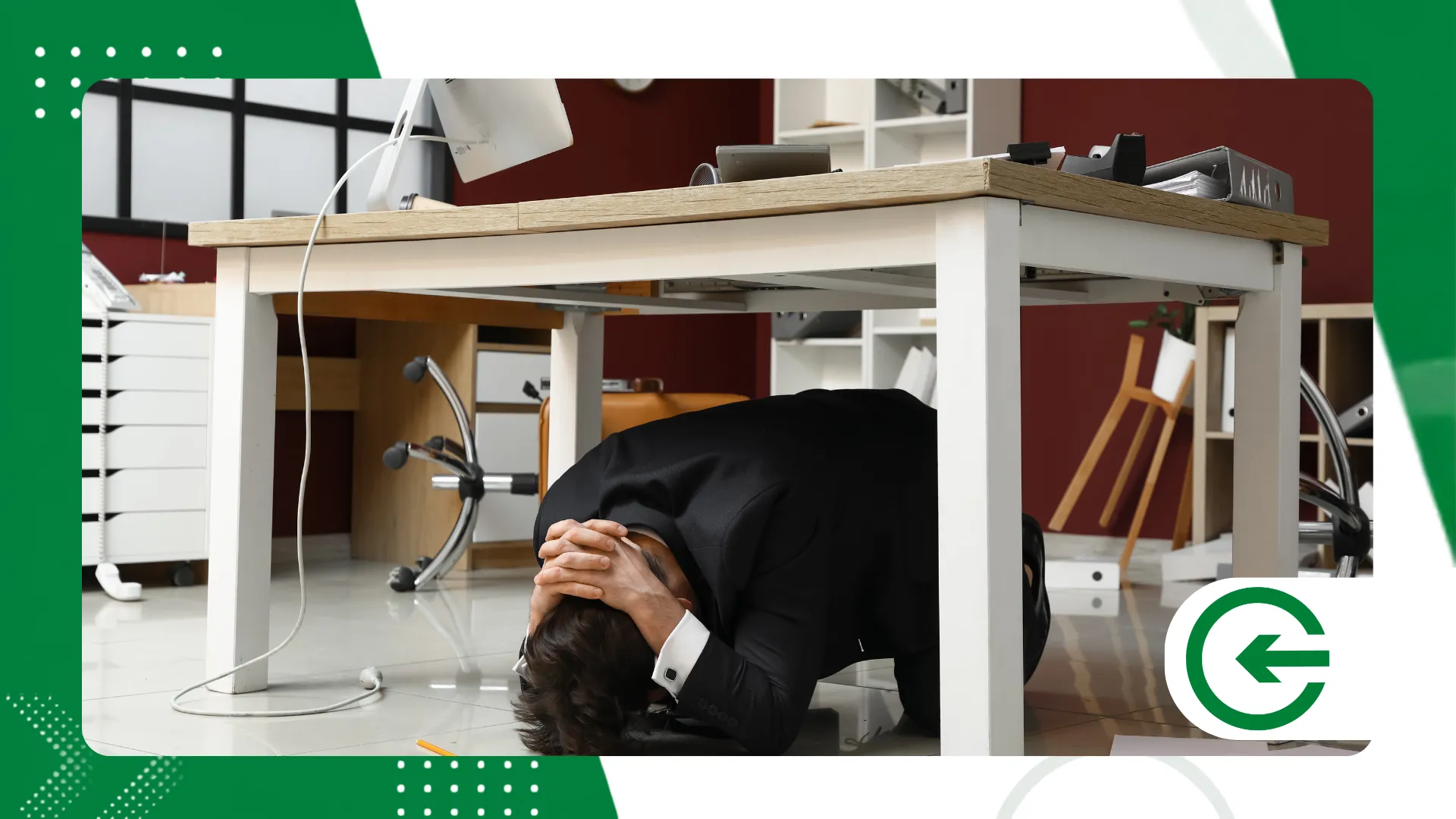
If the Earthquake alerts on your cell phone Whether the gunshots come out or the walls start to crack, emotional control is your best survival tool.
Seek immediate shelter under a heavy wooden or metal table, protect your neck, and maintain a safe distance from glass windows.
Forget about elevators and don't try running down stairs if you're in tall buildings, as power outages and partial masonry collapses often block escape routes.
In traffic, reduce your speed gradually and park away from overpasses, power lines, and large trees.
++ How to use PDF file management apps on your mobile phone.
Conclusion
Taking care of personal security today involves understanding and mastering the digital resources we carry in our pockets every second.
Keeping systems updated and location tracking active ensures that technology works in your favor when nature goes against the expected script.
Spending two minutes adjusting these permissions costs nothing and adds an extra layer of protection in an increasingly unpredictable world.
In the face of global transformations, practical knowledge remains the best vaccine against unforeseen events and misinformation.
To follow the evolution of emergency transmission systems operating on national networks, consult the portal of Anatel.
Protect your devices, set up the necessary alerts, and go about your routine with the peace of mind of knowing you're ready for anything.
Frequently Asked Questions (FAQ)
Do earthquake alerts work without internet access in Brazil?
The native Android ecosystem notification relies on mobile networks or Wi-Fi to communicate with global servers.
However, alerts issued via SMS by Civil Defense utilize basic cellular infrastructure, functioning even with a zero data plan.
Does this feature drain a lot of smartphone battery on a daily basis?
There is no noticeable impact on the device's battery life, as the system runs silently in the background.
It takes advantage of the motion sensors that the smartphone already uses for other everyday tasks like rotation and navigation.
Could Brazil suffer a devastating earthquake in the future?
Seismologists rule out the chance of a catastrophic earthquake occurring on Brazilian soil.
Our privileged geographic location, right in the heart of a thick tectonic plate, shields the country from the violent shocks that affect coastal nations.
Is there a fee to receive Civil Defense alerts?
The public emergency messaging service is completely free and operated without extra costs on all telephone companies in the country.
Be immediately suspicious if any website or app requires payment information or financial details to unlock a feature.
