
How to choose a Wi-Fi 7 router for a connected home today
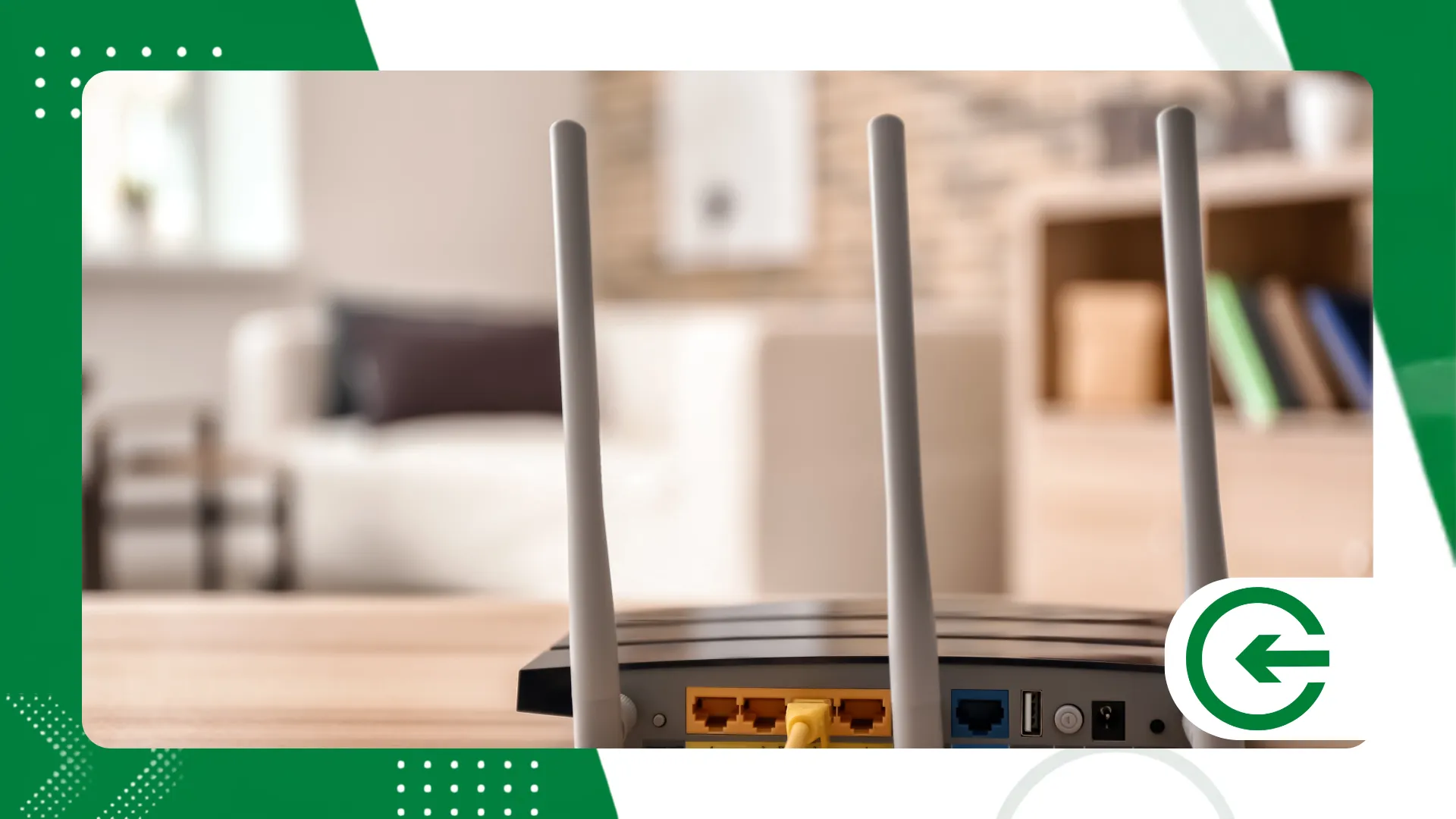
Acquire one Wi-Fi router 7 It's the ideal choice for transforming your home's digital infrastructure, guaranteeing amazing speeds, lower latency, and absolute stability.
Adverts
The smart home ecosystem demands advanced equipment capable of managing dozens of simultaneous devices with unprecedented efficiency, eliminating frequent bottlenecks in home transmissions.
In this practical guide, you will learn the essential technical criteria for selecting the ideal model for your routine, as well as understand the real need for this upgrade.
Table of Contents:
- What defines the Wi-Fi 7 standard?
- What are the crucial features to consider when choosing equipment?
- Wi-Fi 6E vs Wi-Fi 7: Comparison Table
- How do you identify the need for a replacement today?
- Conclusion
- Frequently Asked Questions (FAQ)
What defines the technology of the new Wi-Fi 7 standard?
The IEEE 802.11be protocol represents a giant evolutionary leap over previous generations, bringing ultra-wide 320 MHz channels in the 6 GHz frequency range.
advertising
There's something almost provocative about the way this bandwidth simply swallows up the old domestic fluctuations.
Multi-Link (MLO) operation allows devices to transmit data simultaneously over different bands, aggregating speed and drastically reducing connection response time.
There's a silent change happening here: the network stops queuing packets and starts operating like a continuous multi-lane highway.
Investing in a modern Wi-Fi router 7 It ensures native support for 4096-QAM modulation, which carries 20% more information than the technology present in the Wi-Fi 6 standard.
In practice, data density per pulse reaches levels that previously seemed exclusive to industrial cabling.
What features should be analyzed to choose the ideal model?
First, assess the total number of devices connected simultaneously and the physical coverage area required in your home to avoid unwanted dead spots.
It's common to see consumers investing in extremely high speeds while the signal gets lost between two brick walls.
Check if the hardware has 2.5 Gbps or 10 Gbps WAN and LAN ports to take advantage of contracted gigabit internet plans without severe cable limitations. This is often the most overlooked bottleneck: buying an ultra-fast router with physical ports stuck in the past.
The presence of robust multi-core processors ensures smooth processing of heavy traffic without overheating or constant crashes during demanding games or 8K streaming.
Without that silicon brain working in the background, any promise of speed becomes an illusion under stress.
Established brands offer constantly updated firmware, ensuring that your Wi-Fi router 7
Operate with advanced security through the WPA3 protocol and intrusion protection. Digital security in home networks has gone from being a mere technical detail to becoming an essential shield.
What is the practical difference between Wi-Fi Mesh and a standalone router using the Wi-Fi 7 standard?
In large properties or those with thick walls, a single Wi-Fi router 7 A centralized layout can face unpredictable physical limitations, whereas Mesh architecture distributes interconnected nodes throughout the house.
This second approach eliminates blind spots and uses MLO technology to create continuous data traffic, allowing you to walk between rooms without noticing any signal drops or fluctuations on your device.
While a standalone device concentrates all processing at a single focal point, a mesh network distributes this load among different intelligent units strategically placed across different locations.
This division of tasks prevents distant devices from overloading the main channel, ensuring constant stability in every square meter of the home.
The ideal choice depends on the property's layout, as integrated spaces often work perfectly with just one high-capacity central unit.
++ How to block a lost or stolen cell phone
Wi-Fi 6E vs Wi-Fi 7: What's the real technical difference?
To make it easier for you to visualize, we have compiled the actual data from the official specifications provided by the Wi-Fi Alliance, comparing the two wireless network technologies.
| Technical Specification | Wi-Fi 6E (802.11ax) | Wi-Fi 7 (802.11be) |
| Maximum Bandwidth | Up to 160 MHz | Up to 320 MHz |
| Amplitude modulation | 1024-QAM | 4096-QAM |
| Maximum Theoretical Rate | 9.6 Gbps | 46 Gbps |
| Multi-Link (MLO) Resource | Not Supported | Native Support |
| Frequency Bands | 2.4 GHz, 5 GHz, 6 GHz | 2.4 GHz, 5 GHz, 6 GHz |
Analysis of the table visually demonstrates that the new generation quadruples the gross transfer potential, meeting the extremely complex demands of contemporary automation and streaming.
++ Data protection: How to reduce your exposure to data breaches.
How do you know if you need this update now?
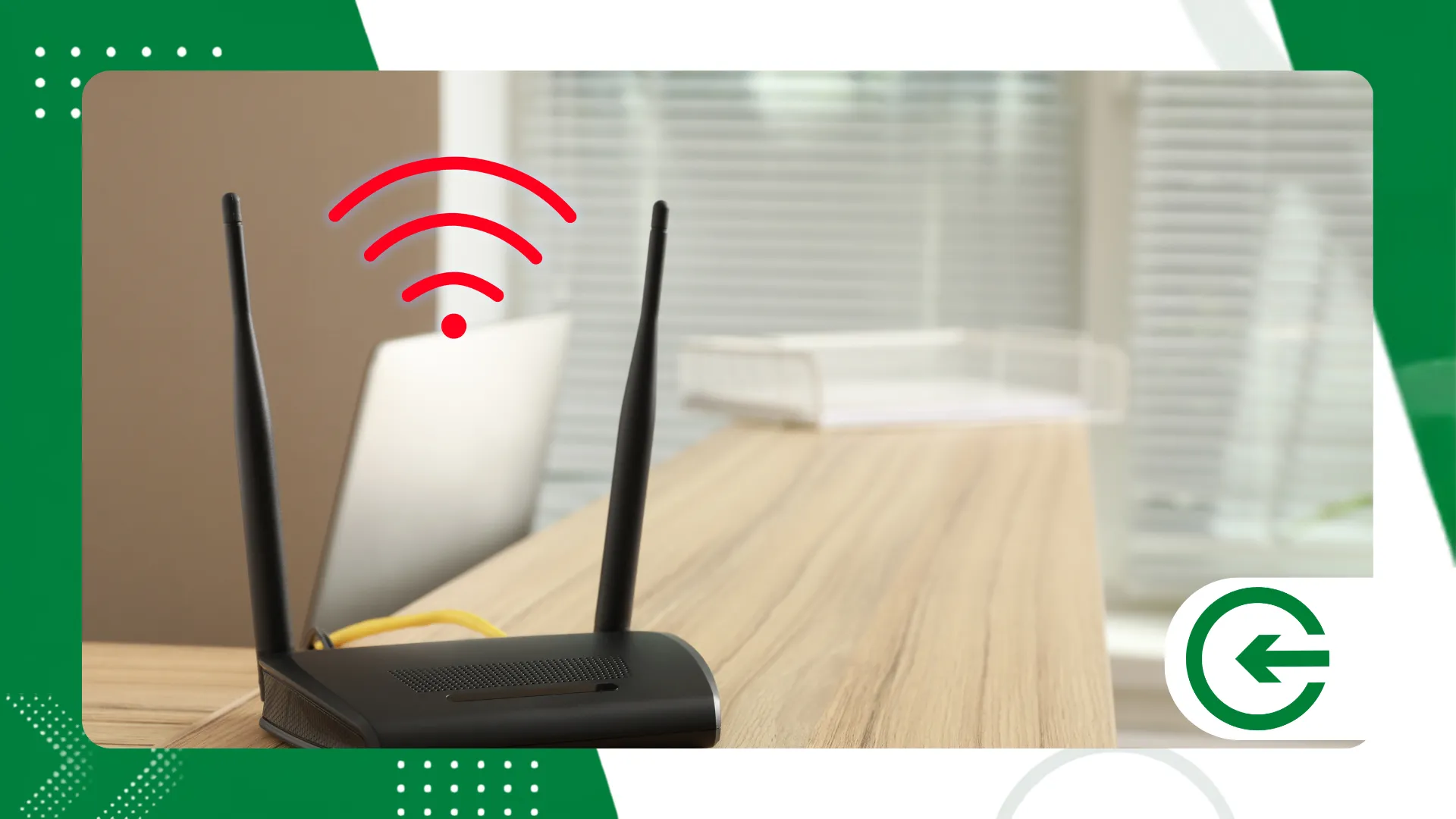
If your routine involves 8K streaming, competitive cloud gaming, or massive local network transfers, migrating will bring immediate and very noticeable benefits. The real gain appears in the absence of stuttering during critical moments of intense use.
Homes filled with smart sensors, high-definition IP cameras, and multiple laptops running simultaneously suffer from congestion that only MLO technology can solve.
It's the difference between a stressed network and an invisible flow where nothing seems to compete for bandwidth.
Choose today one Wi-Fi router 7 Prepare your home for the future by ensuring full compatibility with smartphones, motherboards, and laptops released in recent years. It's about building a solid foundation before the surrounding devices start to bottleneck.
However, if your contracted internet connection is modest and few devices are connected, an older router may meet your needs for some time without problems.
There's no point in striving for the pinnacle of technical excellence if the demands of the organization don't even scratch the surface of what's currently possible.
Understanding your real needs avoids unnecessary expenses, allowing your network infrastructure investment to happen at the right time and with a guaranteed return.
Conscious consumption in technology stems from this objective diagnosis of the difference between expectation and actual use.
++ Fast charging on mobile phones: current myths and truths.
Conclusion
Choosing the right equipment requires analyzing your internet speed, the size of your property, and the number of active devices that require a stable connection daily.
Technical balance always speaks louder than blindly searching for raw numbers on product packaging.
Adopting the new standard guarantees a fast, secure network, prepared for the technological demands that will arise in your home over the next few years. The peace of mind of forgetting the router even exists is the true triumph of a good choice.
To deepen your understanding of official connectivity guidelines, consult the technical documentation provided by [source/organization name]. Anatel Regarding the homologation of devices in Brazil.
Frequently Asked Questions (FAQ)
Does Wi-Fi 7 work with my old devices?
Yes, the standard maintains full compatibility with previous generations, allowing older cell phones, laptops, and Smart TVs to be connected to the 2.4 GHz and 5 GHz frequencies without any issues.
Do I need to change my internet plan when I buy the router?
It's not mandatory, but to take advantage of maximum speed and features like 2.5 Gbps ports, high-speed plans above 1 Gigabit are recommended.
What is the real advantage of the MLO feature in everyday use?
MLO allows a compatible device to use two frequencies simultaneously, reducing stuttering, eliminating latency, and ensuring stability even with external interference.
