
Apps for locating lost cell phones
You apps to locate lost cell phones They've gone from being a mere emergency resource to becoming an inevitable extension of our digital anxiety.
ADVERTISING
Losing your phone in a taxi or in the back of the sofa sends a chill down your spine — not just because of the cost of the device, but because we leave behind our banking history, family photos, and years of memories.
Fortunately, geolocation engineering and collaborative networks have changed the game in recent years.
Today, tracking a device goes far beyond traditional GPS: it involves silent communication networks between devices and instant security protocols to block sensitive data before the worst happens.
The central question is understanding how each ecosystem operates in order to react without panic. We have prepared a straightforward and practical analysis of the main solutions on the market, detailing what really works when time is against you.
advertising
Summary
- Which native Android app offers the highest tracking accuracy?
- How does Apple's ecosystem track iPhones even when they're turned off?
- Which third-party solutions offer extra digital security features?
- How does the Samsung network locate devices without an internet connection?
- What are the main features of the trackers on the market?
- What preventative measures should be taken before losing your cell phone?
- Conclusion
- Frequently Asked Questions (FAQ)
Which native Android app offers the highest tracking accuracy?
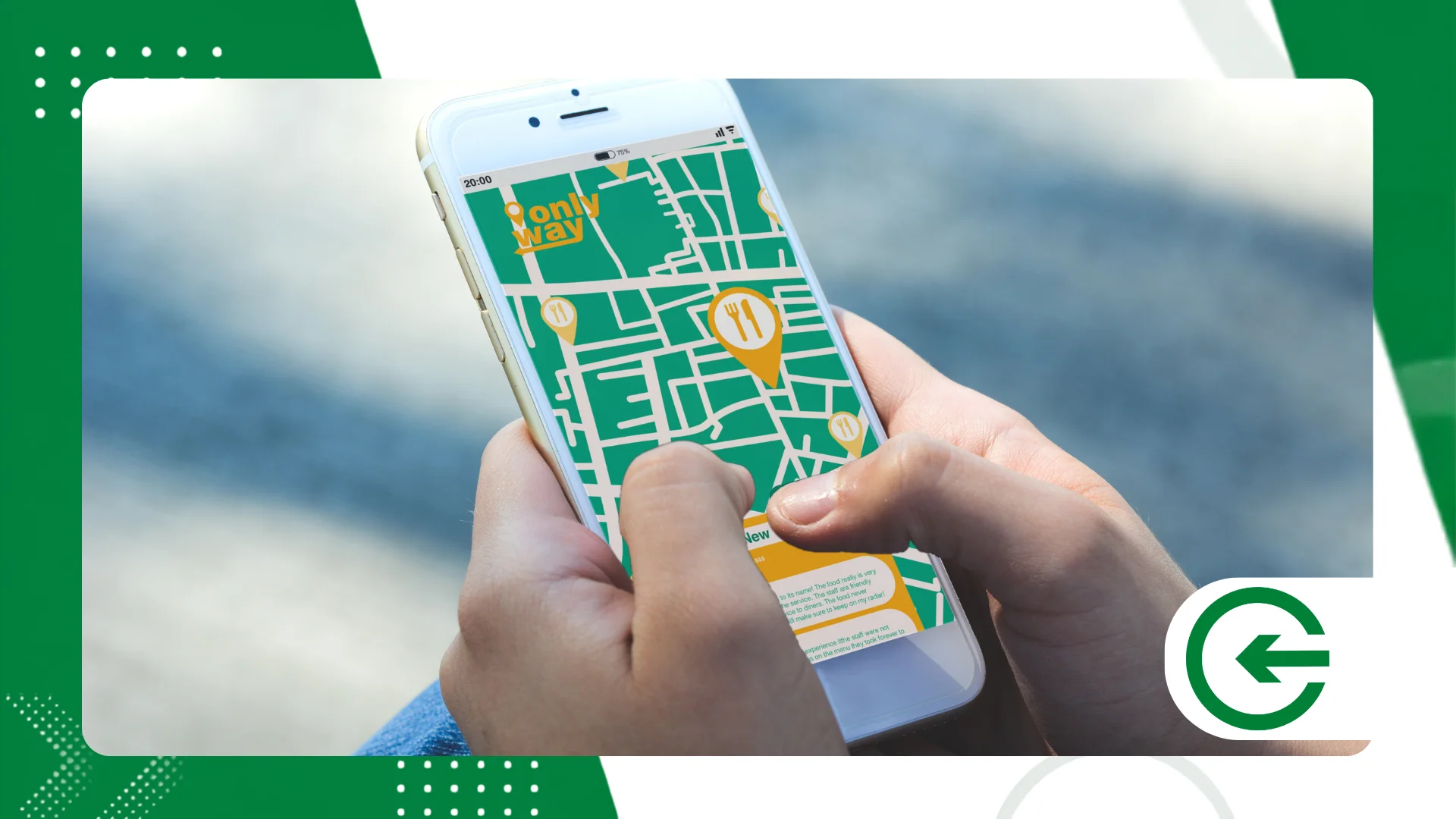
Google's Find My Device service is the front line for those searching... apps to locate lost cell phones on the Android system.
It comes pre-installed on most models, running silently without requiring any complicated initial configuration.
The big advantage is the quick access via browser: simply log into your Google account to see on the map where the smartphone sent its last signal, combining data from antenna triangulation, Wi-Fi networks and GPS.
If the device slipped between the pillows or ended up in a friend's bag, it can play at maximum volume for five uninterrupted minutes. The sound is shrill and ignores silent mode or the "Do Not Disturb" profile.
In more critical scenarios, Google's dashboard allows for complete remote wiping. It's a drastic measure, but necessary when the loss turns into theft and the risk of bank hacking becomes paramount.
It's also worth highlighting the personalized message feature on the lock screen. Adding an alternate contact number often saves the day when the device falls into the hands of someone who really wants to return it.
Of course, the system requires GPS and active data for maximum accuracy, but recent improvements to the global Android device network already cover a large part of the connectivity gaps.
How does Apple's ecosystem track iPhones even when they're turned off?
Apple's Find My network revolutionized the category of apps to locate lost cell phones By creating a truly encrypted community mesh. The big technological breakthrough here is not relying exclusively on an active cellular connection.
Even when the iPhone runs out of battery or is turned off, it continues to emit small, very low-energy Bluetooth signals.
Other Apple devices that pass nearby pick up this signal and send the approximate location to the cloud completely anonymously.
When Lost Mode is activated, the device is instantly locked with an emergency code, while cards registered with Apple Pay are disabled to prevent fraud or unauthorized purchases.
For those who get lost inside their own home, precision search uses ultra-wideband (UWB) technology on compatible models, displaying the exact direction and distance in meters to the device on the screen.
Furthermore, family integration allows relatives to see the location of a lost iPhone without bureaucracy, speeding up the search in the first few minutes after it goes missing.
Everything is managed via iCloud or through the native app on any iPad or Mac. If you want to delve deeper into the system details, it's worth checking the official documentation. Apple Regarding privacy protocols.
Which third-party solutions offer extra digital security features?
Cerberus, for example, stands out for its advanced SMS-based management—essential if the device loses mobile network connectivity. The app silently takes photos from the front camera if someone enters the wrong password and can hide its own icon in the system.
Prey Anti-Theft focuses on the unified management of multiple devices (cell phones, laptops, and tablets). It generates periodic reports with photos, accessed Wi-Fi networks, and a history of geographic coordinates.
In the field of family security, Life360 creates social circles with automatic alerts for arrival and departure from predefined locations, working well for routine monitoring as well as emergencies.
Another strong name is Lookout, which combines GPS tracking with an extra layer of antivirus, issuing immediate alerts if the SIM card is removed or replaced without authorization.
Since these tools require deep operating system permissions to function efficiently, it's best to limit their use to known software, avoiding privacy breaches.
How does the Samsung network locate devices without an internet connection?
SmartThings Find is Samsung's answer to the Galaxy ecosystem, positioning itself as one of the most efficient. apps to locate lost cell phones in devices from the South Korean brand.
The technology works in a mesh system: when the cell phone loses its data signal, other Galaxy devices scattered throughout the streets identify the device's Bluetooth signal and update its coordinates on the brand's servers.
One particularly useful and unique feature is remote power optimization. If you notice your phone is missing and low on battery, you can activate extreme power saving mode via the web panel to gain valuable hours of tracking.
The platform also performs emergency backups of data in the Samsung cloud before carrying out any full formatting, ensuring that photos and contacts are not lost forever.
Another layer of protection prevents the phone's shutdown menu from being accessed without the password, making it difficult for a malicious actor to disable the phone immediately after finding it.
The ecosystem also includes Galaxy Watch devices, Galaxy Buds earbuds, and the line's tracking tags, bringing together all personal inventory into a single, intuitive map.
++ Apps for organizing medications and daily schedules.
What are the main features of the trackers on the market?
The ideal choice among apps to locate lost cell phones It varies depending on the user's profile and the smartphone brand. Below, we summarize the practical differences between the most commonly used solutions.
| Application | Compatibility | Offline Tracking | Alarm Trigger | Remote Wipe |
| Find My Device | Android / Web | Yes (Android Network) | Yes (Maximum volume) | Yes |
| Search (Apple) | iOS / macOS / Web | Yes (Find My Network) | Yes (Beep) | Yes |
| SmartThings Find | Android (Samsung) | Yes (Galaxy Network) | Yes (Loud ring) | Yes |
| Prey Anti-Theft | Android / iOS / Web | No | Yes (Visual alert) | Yes |
| Life360 | Android / iOS | No | No | No |
Each tool offers distinct focuses, ranging from the immediate simplicity of factory options to complete family data security and protection systems.
++ How to use intercity transportation apps to travel better
What preventative measures should be taken before losing your cell phone?
The actual effectiveness of any of the apps to locate lost cell phones It depends on the choices made every day, well before any unforeseen event occurs. Keeping location services active and your main account synchronized is the first step.
Write down the IMEI number by dialing *#06# on your phone's dialer and keep this sequence in a document outside of your phone. This record is essential for blocking the device with the carriers or when filing a police report.
Another crucial measure is to set a security PIN for the physical SIM card. This prevents third parties from removing the card from your phone and placing it in another device to receive bank verification SMS messages.
Configure on-screen notifications to hide sensitive data while the phone is locked, preventing unauthorized users from reading two-step authentication codes.
Take this opportunity to review the official guidelines on preserving rights and protecting data on the channel of Federal Government...ensuring that your bank accounts and documents remain protected.
Finally, perform preventative tests once or twice a year. Accessing the search system to see if your smartphone responds to the map avoids unpleasant surprises in an emergency.
++ How to legally use apps to check vehicle license plates.
Conclusion
Protecting a smartphone requires more prior care than luck in a pinch. Current native iOS and Android tools already deliver a surprising level of accuracy without charging anything for it.
Enabling offline search features, protecting the SIM card with a password, and keeping the main account up-to-date takes only a few minutes and avoids countless headaches.
Frequently Asked Questions (FAQ)
Do location apps work when the phone is turned off?
Native systems from Apple, Samsung, and Google can emit Bluetooth signals even when the device is turned off or has low battery. Devices on the same network receive this signal and send their encrypted location to the cloud.
Is it possible to track a phone without an internet connection?
Geographic tracking continues to function via a collaborative network of other nearby devices. However, to send commands such as immediate blocking or file wiping, the phone will need to re-establish a data or Wi-Fi connection.
How do I find the IMEI code of a cell phone for blocking purposes?
Simply open the call screen and dial *#06# to instantly view the code. The number is also printed on the device box and on the purchase receipt.
Can I track someone else's cell phone without their permission?
No. In addition to the security barriers of the apps themselves — which require a registered email and password — unsolicited tracking would violate federal privacy and personal data protection laws.
Do tracking services consume a lot of battery power with daily use?
Not noticeably. Native platforms utilize optimized protocols from the operating system itself, activating intensive GPS readings only when the search command is remotely triggered by the user.
