
How to use free reading apps to read digital books
How to use free reading apps to read digital books It's the first step in transforming your cell phone into a vibrant reading space, free from superficial distractions.
ADVERTISING
The transition to screens has changed our relationship with the printed page, eliminating acquisition costs and allowing entire collections to accompany us anywhere.
Changing your reading device requires simple adjustments to your daily habits and settings.
Free platforms provide access to classic works in the public domain, collections from distant libraries, and independent authors who rarely reach physical bookstores.
Knowing how to navigate this ecosystem prevents wasted time and improves your reading pace.
advertising
This practical guide covers choosing platforms, fine-tuning typography on screens, and organizing a functional personal library.
Everything was designed for those who want to read more and better without spending anything.
Table of Contents
- The ecosystem of free e-books and their mechanics.
- How to choose the ideal platform for your reader profile.
- Practical step-by-step guide to installing and configuring your reader.
- Technical comparison of the best e-book readers.
- Advanced resources to maximize your literary output.
- Ethical considerations, security, and legislation in digital reading.
- Frequently Asked Questions (FAQ)
What are the best free reading apps for reading ebooks currently?
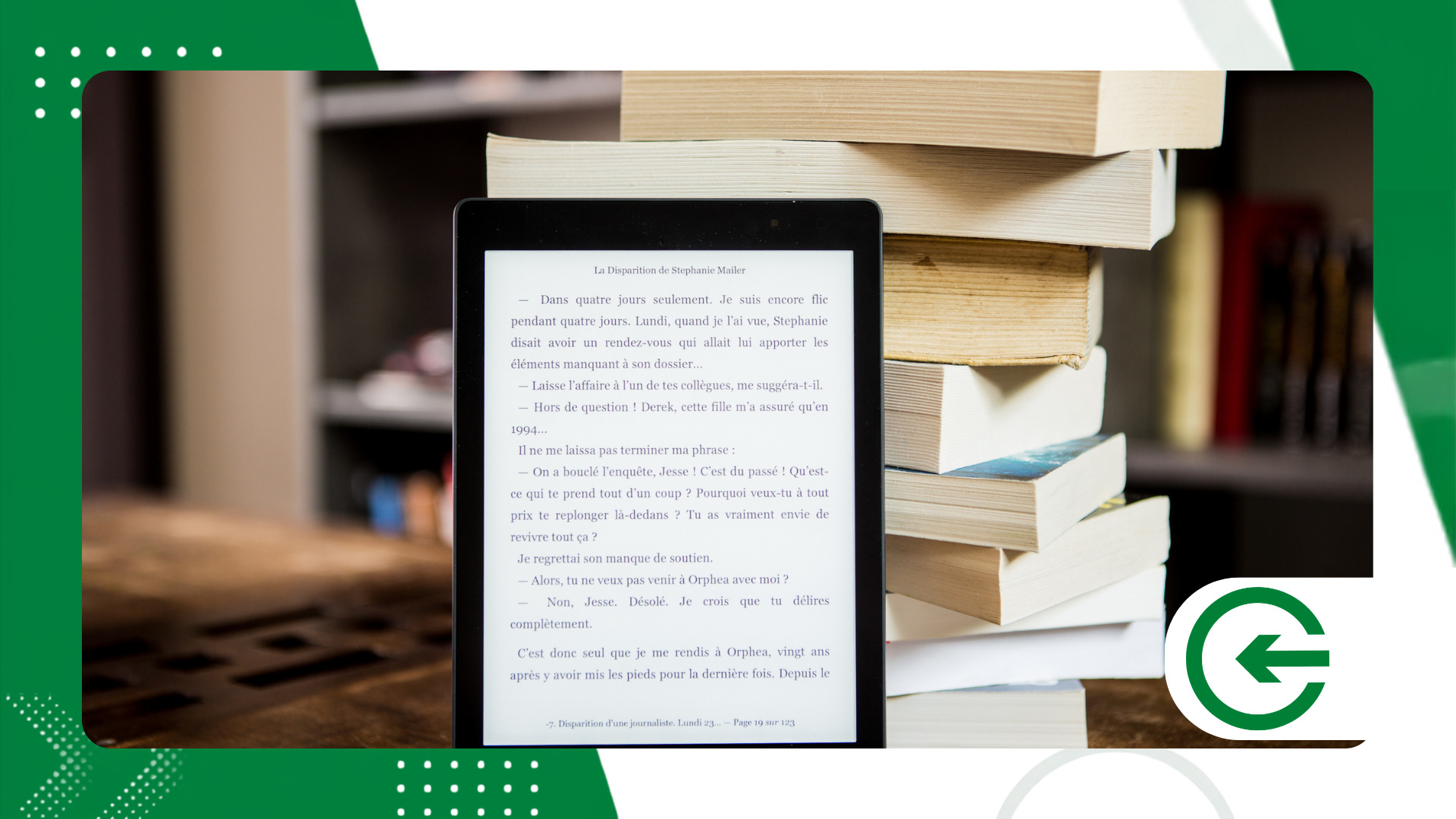
The digital reading ecosystem is divided between large commercial distribution stores, local file readers, and collections maintained by public libraries.
Understanding this division greatly simplifies the choice.
How to use free reading apps to read digital books It essentially depends on which of these methods best suits your reading needs at that moment.
In the realm of established app stores, Amazon Kindle and Google Play Books remain the most straightforward options on the market.
Both maintain permanent sections of free e-books, ranging from literary classics to promotional releases by independent authors.
For those who miss the varied catalog of a library, the Libby from OverDrive It bridges the gap between readers and institutional collections worldwide.
The app works on a temporary loan system: simply link a partner library card to download books free of charge.
For those who tend to accumulate their own files in EPUB or PDF format, ReadEra and KOReader work better for everyday use.
They operate completely offline, require no account creation, and maintain the reader's privacy intact by processing everything directly on the device.
How do I install and configure my reading app on my phone?
The starting point is a secure download directly from the Google Play Store or App Store on your mobile phone. Avoiding third-party sources prevents the installation of corrupted files and protects your device's data from cyber risks.
Once the installation is complete, it's worth logging in to activate automatic cloud synchronization.
This feature saves the last page read, text highlights, and annotations, allowing you to switch between your mobile phone and a dedicated e-reader.
The next step is often overlooked, but it changes everything: fine-tuning the app's visual interface.
Reducing brightness, switching the default font to a well-designed serif option, and using sepia-toned backgrounds prevents eye strain during prolonged reading.
Another practical point is the support for importing local files from the device.
Learn How to use free reading apps to read digital books. It also involves moving legitimately downloaded EPUB or PDF files into the application's library.
++ Apps for tracking water and energy consumption
Which free reading app should you choose for your profile?
Choosing the right tool depends on the source of your files and the need for synchronization between devices.
The table below summarizes the main characteristics of the most commonly used platforms:
| Application | Supported Formats | Cloud Synchronization | Practical Highlight |
| Amazon Kindle | AZW3, KFX, EPUB, PDF | Yes (Via Amazon Account) | Seamless synchronization between mobile phone and e-reader |
| Libby (OverDrive) | EPUB, DRM OverDrive | Yes (Via Library Card) | Free loans of new releases and bestsellers. |
| ReadEra | EPUB, PDF, MOBI, FB2, TXT | No (Local Processing) | It works without registration and without displaying ads. |
| Google Play Books | EPUB, PDF | Yes (Via Google Account) | Allows personal upload of up to 2,000 files. |
Visualizing these points helps prevent the accumulation of similar apps installed at the same time on your phone.
To understand How to use free reading apps to read digital books. It's essentially about maintaining a simple and functional workflow on your device.
++ Fitness apps for beginners who don't need a gym.
How can you organize your digital library to increase your reading frequency?
Maintaining an organized digital library avoids that annoying hesitation when choosing your next book.
Creating virtual bookshelves organized by theme, priority, or reading status helps maintain focus on what truly matters. Built-in dictionaries and instant translators are great allies when reading denser texts.
Looking up the meaning of a term directly on the page maintains immersion without needing to open a browser. Setting daily goals for pages or minutes read within the app itself helps build consistency.
Tracking this pace using simple metrics is often a subtle but effective incentive to read every day. Another good practice is to periodically export highlighted passages to an external notepad.
This preserves your reflections and facilitates future reference, regardless of the application you are currently using.
What precautions should be taken when downloading and reading free books?
Respect for copyright ensures the sustainability of the entire modern publishing chain.
Downloading pirated files devalues the work of authors and translators, and exposes your phone to unnecessary security risks.
Choosing public repositories and official stores ensures access to clean, reviewed, and secure files.
Free digital reading is only truly advantageous when done through transparent and legal channels.
It guarantees a smooth reading experience without technical hiccups. Keeping applications and the operating system updated is also part of this protection routine.
Frequent updates fix rendering errors and ensure good player performance with larger files.
++ How to use intercity transportation apps to travel better.
Where can I find free and legal digital books to download?
The search for free collections should focus on projects dedicated to cultural preservation and free access on the internet.
Project Gutenberg remains the greatest historical reference in this regard, bringing together thousands of works whose copyrights have already expired.
For those seeking visually more polished editions, the Standard Ebooks He performs an impeccable job of proofreading and formatting typesetting on texts in the public domain.
The result is clean, elegant files that are ready for any modern screen.
Direct publishing platforms, such as Wattpad and Open Library, provide a space for contemporary voices and academic projects.
There is a lot of high-quality independent content being released weekly on these networks, available directly to the reader.
Seeking reliable sources ensures that the file is properly formatted and free from annoying scanning errors. In addition to being an ethical choice, it protects your phone from unwanted scripts hidden on pirate websites.
Frequently Asked Questions (FAQ)
Is it safe to use free reading apps on your smartphone?
Yes. As long as they are downloaded from official stores like Google Play or the App Store and used to read files from known sources or the public domain.
Do I need to be connected to the internet all the time to read?
No. An internet connection is only needed to download the book or sync your highlights to the cloud. The reading itself happens entirely offline.
Is the EPUB format better than the PDF format on mobile phones?
Yes, for small screens. EPUB adapts the text to the screen size and allows you to change the font, while PDF maintains a fixed layout that requires manual zoom.
Can I read free ebooks from my cell phone on a dedicated e-reader?
Yes, it's possible. Most platforms allow you to transfer EPUB files via email or USB cable directly to e-readers like Kindle or Kobo.
Digital reading through free apps opens up real opportunities for those who want to read more without relying on large budgets.
Adjusting the tool to your lifestyle makes the habit of reading something fluid, natural, and consistent.
It's worth testing the recommended platforms, adjusting the typography to your visual comfort, and exploring the available collections to build your own digital library today.
