
Building a gaming PC: Complete guide to building a gaming computer
Check out a complete guide on how you can build a gaming PC, and get ready to assemble your super gaming computer!
ADVERTISING
Have you ever wondered why many people prefer to build their own gaming PCs? Doing so not only saves money, but it also gives you a sense of accomplishment.
Seeing each piece fit together and work well is amazing. Are you ready to learn? how to assemble a gaming PC with great performance?
Read too: What is RAM and what is it for?
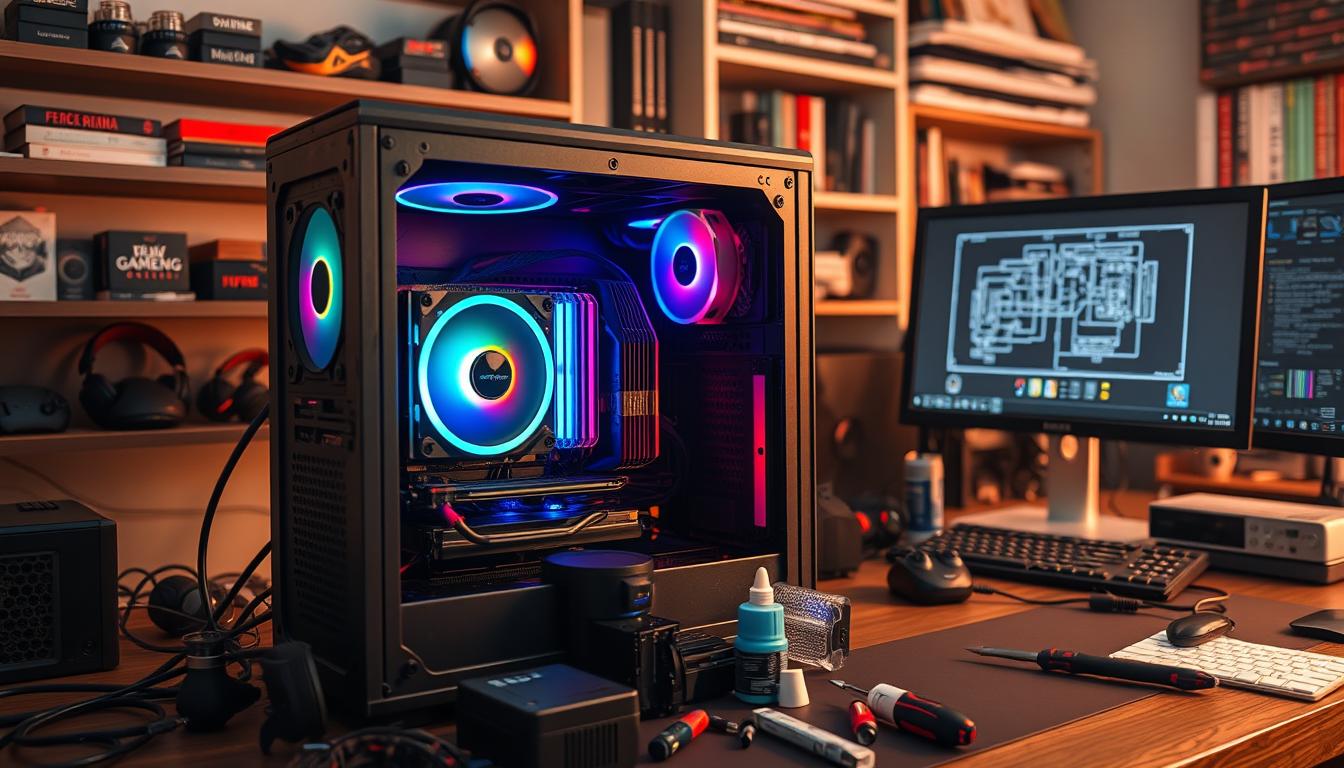
Main Conclusions:
- Custom assembly of *PC gamer* allows greater performance adjustment and savings.
- Choosing the right components is essential to running games like Counter Strike 2 and Fortnite with advanced graphics.
- Recommended components include the ASRock B450M Steel Legend *motherboard* and the *video card* Radeon RX 7600 Mech 2x Classic OC.
- Details on peripheral assembly emphasize the importance of equipment such as gaming mice and high refresh rate monitors.
- Opting for an SSD instead of an HDD significantly improves game loading times.
Introduction to PC Gamer
A gaming PC has advanced components. They allow for high-quality graphics and support intense games.
advertising
A hardware selection and installation are designed to improve the user experience.
Mount a Gaming PC requires understanding each part. The GPU, CPU and RAM are essential. They ensure that the system works well.
“Most gamers recommend building their own gaming PC instead of buying a ready-made one.
This allows for total customization, choosing exactly the parts you want, as well as being more economical.”
For a good experience, modern games require at least 16 GB of RAM.
Monitors with 144Hz are also recommended. They improve immersion.
The main manufacturers of graphics cards are AMD and Nvidia. But Intel is releasing new models. This will give enthusiasts more options.

Why build a gaming PC?
Building a gaming PC yourself brings many benefits.
You can choose every part of the computer, from the graphics card to the cooling system.
This helps you perform better in the games you enjoy.

Another great benefit is the savings. Building a gaming PC can be cheaper than buying a console.
You can upgrade components when you need to, saving money.
Platforms like Steam and GOG have promotions that help you save money. This makes it easier play favorite games without spending a lot.
Having a gaming PC is also very flexible.
You can choose exactly what you need, such as RAM and processor. This makes your machine optimized for gaming.
Although assembling a PC requires technical knowledge, nowadays it is easier to learn.
Websites and YouTube channels have a lot of information.
This helps people build their own computers, creating the perfect gaming machine.
++ The Secrets of Digital Influencers: How They Gain Followers
Essential Components for a Gaming PC
Mount a gaming computer requires choosing the hardware well. In 2023, many hardware options are available.
It is crucial to focus on the key components for optimal performance.
Essential components include motherboard, processor, graphics card, RAM, storage, and case.
The motherboard connects all the components, with features like USB and integrated audio.
It is important to choose models that are compatible with different processors.

The processor is the “brain” of the computer. It must have at least four cores and a good clock frequency. We recommend the Intel Core i5-10400F and AMD Ryzen 5 3600.
The graphics card is crucial for graphics processing. It should have at least 4 GB of dedicated memory. Examples are the Nvidia GTX 1650 Super and AMD RX 580.
For RAM, choose at least 8 GB with good speed. DDR3 or DDR4 are good options.
For storage, choose disks with 1 TB capacity and good speed.
The power supply must be at least 500W and 80 Plus Bronze certified.
The case must have good ventilation and cooling. Examples are the Redragon Wheel Jack and Cooler Master MasterBox Q300L.
| Component | Recommended Model | Specifications |
|---|---|---|
| Processor | Intel Core i5-10400F | 4 cores, 2.9 GHz frequency |
| Processor | AMD Ryzen 5 3600 | 6 cores, 3.6 GHz frequency |
| Video Card | Nvidia GTX 1650 Super | 4 GB dedicated memory |
| Video Card | AMD RX 580 | 4 GB dedicated memory |
The operating system is essential for managing your computer. Windows, Linux, and macOS are common.
Choosing the right hardware and a good operating system ensures an optimal gaming experience.
Choosing a Motherboard
When assembling a gaming PC, choosing the motherboard is essential. It is the PC mounting base.
O motherboard model affects all components, such as the processor, RAM and video card.
Checking the processor socket is crucial. For AMD processors, the socket AM4 is widely used.
The ASRock B450M Steel Legend is one example, supporting many Ryzen processors.

The motherboard must support a lot of RAM. For gaming, at least 16 GB is required.
It should also have expansion slots, such as PCIe and M.2, and built-in ports, such as USB and HDMI.
The format of the motherboard is also important. Formats like ATX are common in robust PCs. Mini-ITX is compact, but can be more expensive.
Technologies like WiFi and RGB also affect the price.
See a comparison of motherboards for gaming PCs with socket AM4:
| Model | Format | Expansion slots | Additional Features | Average Price |
|---|---|---|---|---|
| ASRock B450M Steel Legend | MicroATX | 2 PCIe, 2 M.2 | RGB, USB 3.1, HDMI | R$ 599.00 |
| MSI B450 TOMAHAWK MAX | ATX | 3 PCIe, 2 M.2 | HD Audio, USB 3.2, RGB | R$ 799.00 |
| Gigabyte X570 AORUS Elite | ATX | 4 PCIe, 2 M.2 | WiFi, RGB, USB 3.2 | R$ 1,299.00 |
Processor: Intel or AMD?
Choose between one Intel processor or AMD Ryzen for your CPU for gaming can be difficult.
Both brands have several models for different budgets. The gaming performance is an important point to consider.
Intel has a wide variety, such as Core i3, i5, i7, i9, and Intel Xeon. These models are known for their strong performance.
The 13th generation Intel Core processors have up to eight Performance-cores and up to 16 Efficient-cores.
This helps to improve performance.
Additionally, Intel has specific categories such as K for overclock and H for high performance in notebooks.
This gives flexibility for different gaming needs.

AMD stood out with its processors AMD Ryzen of the 7000 series. They promise about 30% more performance than the previous generation.
For example, the Ryzen 5 7600X and Ryzen 7 7700X operate at frequencies of up to 5.3 GHz.
These processors are based on the Zen 4 architecture at 5nm. This ensures a gaming performance superior.
Additionally, AMD's 7000 series CPUs require DDR5 memory modules.
These modules offer higher speeds and efficiency.
To see the differences between the two brands, see the table below:
| Features | Intel | AMD |
|---|---|---|
| Popular Models | Core i3, i5, i7, i9, Xeon | Ryzen 3, 5, 7, 9, Athlon |
| Maximum Frequency | Up to 5.3 GHz | Up to 5.3 GHz (Ryzen 7 7700X) |
| Architecture | Hybrid (P-core, E-core) | Zen 4 (5nm) |
| Energy Consumption | Greater in intensive scenarios | Superior efficiency in the Ryzen 7000 line |
| Memory Compatibility | DDR4 and DDR5 | DDR5 |
| Desktop Options with Graphics | G models | G models |
When choosing between the Intel processor or AMD, it is important to analyze the specifications.
This way, you ensure that the CPU for gaming meet your expectations.
A careful analysis of technical characteristics is essential for a good gaming experience.
The importance of RAM memory
Choose the gaming memory is crucial when building a gaming PC. Before, 4GB of RAM was enough.
But today, the recommended minimum is 8GB of RAM modules. This avoids common problems in modern games.
For those working with content, streaming, video editing or 3D modeling, 16GB or more of RAM is ideal.
This improves game loading, multitasking, and graphics. It also prevents crashes during gameplay.
Install RAM modules as the Kingston FURY is a good option. They offer up to 256GB of capacity.
Kingston FURY also has speeds of 3200MT/s and 3600MT/s, and the DDR5 6000MT/s line for better performance.
Modern games require at least 16GB of RAM. Some gamers choose 32GB to use other programs at the same time.
The amount of RAM depends on the game and the ability to use other programs.
In short, investing in gaming memory adequate is essential.
This ensures a good gaming experience with crisp graphics and no stuttering.
The ideal Video Card for your Gaming PC
Choose one graphics card is crucial for anyone who likes games. A good GPU for gaming improves visual quality and fluidity of experiences.
A Radeon RX 7600 Mech 2x Classic OC is one example. It offers a great balance between cost and performance.
The market has several options for different budgets. This includes everything from low to high resolutions. Let's look at some examples:
| Model | Memory | Clock Boost | Busbar | Price (R$) |
|---|---|---|---|---|
| Nvidia GeForce RTX 4090 | 24 GB | 2640 MHz | 384 bits | 19.499,00 |
| AMD Radeon RX 6900 XT | 16 GB | 2285 MHz | 256 bits | 5.849,00 |
| AMD Radeon RX 6750 XT | 12 GB | 2495 MHz | 192 bits | 2.899,99 |
| Nvidia GeForce RTX 3060 | 12 GB | 1777 MHz | 192 bits | 2.089,00 |
| AMD Radeon RX 6600 | 8 GB | 2491 MHz | 128 bits | 2.223,00 |
| GTX 1650 | 4 GB | 1710 MHz | 128 bits | 1.899,90 |
Choose the graphics card The right choice depends on the type of game and the desired resolution. For 4K gaming, the Nvidia GeForce RTX 4090 is the best choice, but it is more expensive.
For Full HD or QuadHD, the Radeon RX 6750 XT is a great option, with good value for money.
Any graphics card The GPU you choose should ensure a great experience. Carefully evaluate your needs and budget to find the ideal GPU.
This way, you will enjoy hours of gaming with stunning visual quality.
+ Best Cell Phones to Play Free Fire in 2024
Storage: HD or SSD?
Choosing between hard disk drives (HDD) and solid state drives (SSD) is crucial for a gaming PC.
Each option has its strengths and weaknesses. It is important to analyze them carefully to find the best one for you.
SSDs, like the _Mancer Alastore A3 with 512GB_, are fast.
They load the system and games much faster. This greatly improves the gaming experience, especially in large games like _Hogwarts Legacy_ and _The Sims_.
HDDs, on the other hand, are cheaper. They offer more space to store games and files.
Although they are slower than SSDs, they are great for those who need a lot of space.
A good idea is to use an SSD and an HDD together.
Put important games and programs on the SSD. And store more data on the HDD.
NVMe SSDs are very fast and are a great choice for those who want performance.
