
How to use automatic synchronization between devices in your routine.
A Automatic synchronization between devices It has ceased to be a mere technological whim and has become the invisible pillar of any modern productive routine.
ADVERTISING
Working by switching between screens without losing track of your work or needing to email files to yourself is liberating, although it requires simple strategic adjustments.
Centralizing your operational workflows reduces daily mental noise and saves precious time that we often waste on repetitive manual tasks.
What You Will Learn in This Article:
- How technical integration works in practice.
- The most efficient ecosystems on the market today.
- Security strategies to protect your privacy.
- Quick solutions to avoid dreaded file conflicts.
How does integration technology work in practice?
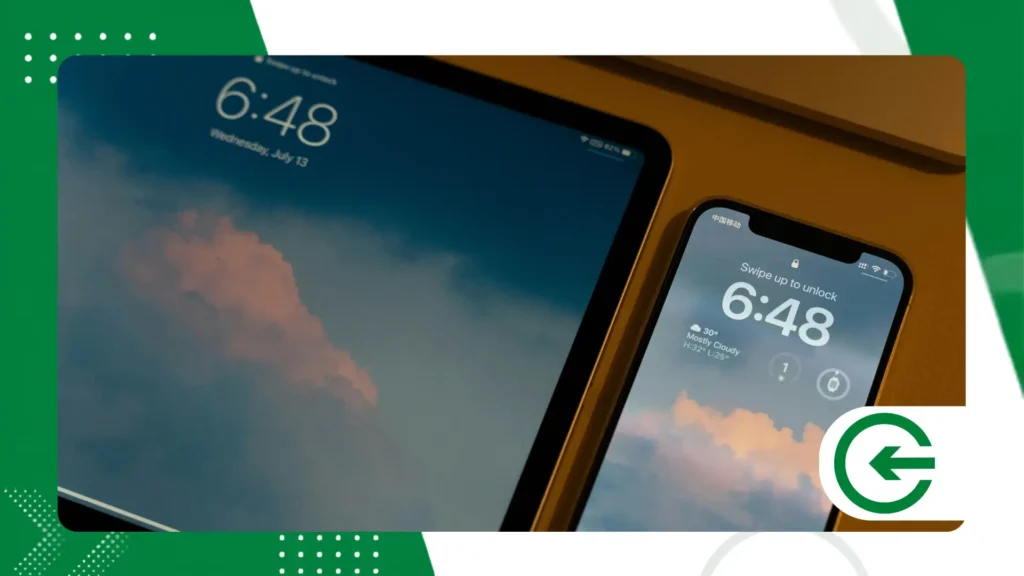
Essentially, modern systems operate in the background, monitoring changes to local files and sending only the modified data blocks to the cloud.
This intelligent engineering saves device processing power and preserves your data allowance, operating silently while you focus on work.
advertising
The magic happens through encrypted servers that instantly distribute these snippets of information to all authorized terminals.
What are the real impacts of this practice on productivity?
Changing work environments without carrying flash drives or cables provides a silent cognitive relief, allowing you to focus solely on the creative development of projects.
The adoption of Automatic synchronization between devices It eliminates operational bottlenecks and prevents older versions of reports from being accidentally edited by the team.
High-performing professionals use this simple automation to maintain focus and avoid unnecessary technical friction throughout their daily work routine.
How to Set Up Market-Leading Ecosystems?
The Apple ecosystem seamlessly connects devices through iCloud, sharing notes, media, and saved passwords in a way that is almost imperceptible to the average user.
In the Windows environment, OneDrive takes control by deeply integrating with the Office suite, facilitating shared access to large corporate documents.
For those seeking cross-platform flexibility, Google Drive delivers a robust and highly collaborative solution that works very well on any operating system.
How to Ensure the Security of Your Data in the Cloud?
Ensuring the integrity of your information requires more than just creating a strong password and hoping that external servers never suffer attacks.
Enabling two-step verification is the first mandatory step to prevent unwanted access to your main virtual storage account.
The safety of Automatic synchronization between devices It relies directly on end-to-end encrypted connections that protect your confidential files.
Consult the official digital protection guidelines directly on the portal. Ministry of Science, Technology and Innovation For more practical details.
When to Opt for Third-Party Apps in Your Routine?
Native tools cover most basic cases, but fall short when demands involve complex folder sharing workflows.
Platforms like Dropbox and Box stand out in the market for their speed in indexing files and meticulous control over past change history.
The flexibility of these tools streamlines professional cooperation between mixed teams that use completely different operating systems on a daily basis.
++ Benefits of migrating from paper to digital note-taking apps
How to Resolve Version Conflicts Without Despair?
The dreaded file conflict occurs when we edit a document offline on two different screens at the same time, confusing the delivery algorithms.
To circumvent the problem, the system creates duplicate copies of the same file, requiring you to manually decide which is the legitimate final version.
Adjust the Automatic synchronization between devices Closing software after use reduces the chances of this minor technical issue happening again.
++ How to use magnetic portable chargers in everyday urban life.
Comparison of the Capabilities of the Main Providers
| Cloud Provider | Free Space | Main Focus | Compatibility |
| Google Drive | 15 GB | Web Collaboration | Universal |
| Apple iCloud | 5 GB | Native Integration | iOS/macOS |
| OneDrive | 5 GB | Productivity | Windows/Mobile |
| Dropbox | 2 GB | Speed | Multiplataform |
How to Divide Your Tasks Across Multiple Screens?
Intelligent task distribution prevents eye strain and keeps you from getting lost among dozens of unnecessarily open browser tabs.
Configure your main computer for dense typing and use the tablet as a support for quick note-taking or speed-reading important work PDFs.
The cell phone should only receive urgent notifications and immediate message confirmations, preserving your focus on delivering higher value-added tasks.
What are the impacts on energy consumption of appliances?
Constantly updating devices drains battery power and requires background processing, which can slow down slightly outdated phones and laptops.
Limiting the sending of large photos and videos to Wi-Fi only saves hardware power and protects your mobile data plan.
Adjust the Automatic synchronization between devices Operating at scheduled intervals perfectly balances daily convenience and system performance.
What Will the Future of Connected Storage Look Like?
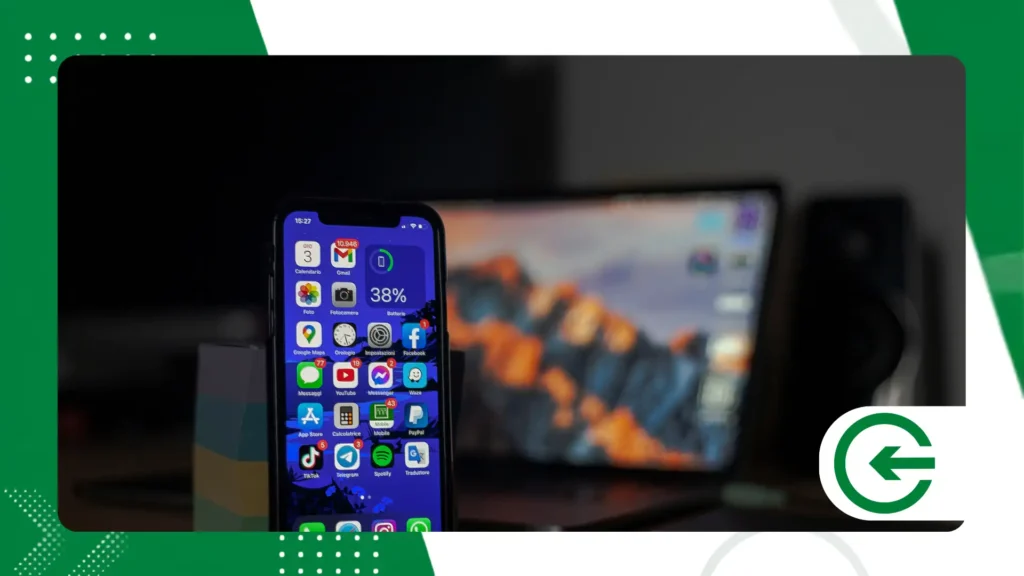
Artificial intelligence will guide the next steps of this technology, predicting which files you intend to access even before you turn on your desktop computer.
Instantaneous traffic from entire work environments to the cloud will cause local physical storage to completely lose its direct business relevance.
Being prepared for this inevitable transition ensures much more agile processes and positions your business ahead of the main global corporate trends.
++ Benefits of automating home lighting
Conclusion
Integrating data streams transforms the overload of daily tasks into a light, dynamic, and incredibly productive routine for any active professional.
The simplicity of Automatic synchronization between devices It allows you to focus on what truly generates intellectual value, eliminating outdated technical bottlenecks.
Explore the global innovations that enable these technologies directly in the database of World Intellectual Property Organization official.
FAQ – Frequently Asked Questions
Does automatic synchronization consume a lot of mobile data?
Yes, if it's enabled for large media files. Configure it to update only via Wi-Fi in your storage app's preferences.
What to do when a file doesn't update immediately?
Check the quality of your local network connection. Closing and restarting the cloud application usually forces the desired immediate update.
Is it completely safe to save confidential data in the cloud?
Provided you use two-factor authentication and strong encryption. Avoid exposing passwords and bank details in plain, open text notes.
Can I recover an old document that has been deleted?
Almost all modern providers have virtual recycle bins that store deleted files for up to thirty days before permanent deletion.
