
How to upscale images with AI without losing quality.
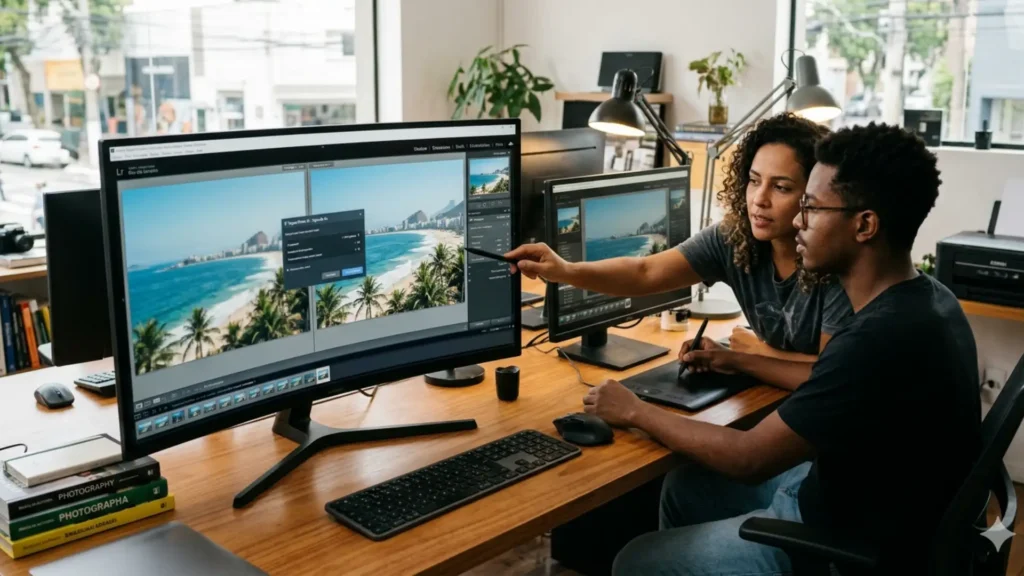
To do a AI-powered image upscaling Without sacrificing sharpness, it has become the new gold standard for those seeking visual excellence in 2026, ignoring the old physical limitations of sensors.
ADVERTISING
Technology has jumped from basic interpolation to neural systems that honestly seem to "guess" reality, reconstructing textures for large-format prints or ultra-high-density screens.
In this guide, we'll explore the tools that truly deliver on their promises, moving beyond the obvious to transform mediocre files into high-fidelity digital assets with a professional workflow.
Summary
- The logical leap in intelligent resizing (2026)
- Tools that dominate the upscaling market
- The boundary between interpolation and neural reconstruction.
- Strategies for saving low-resolution photos
- Technical comparison of performance and hardware
- FAQ: What they haven't told you about pixels yet
How does AI-powered image upscaling work in practice?
Forget the idea of stretching pixels until they become jagged blurs. The modern process uses Convolutional Neural Networks which, in practice, reinterpret the image to create new data.
These models were exhaustively trained with millions of examples, learning the anatomy of pores, tissue fibers, and urban structures to fill in what the original camera failed to capture.
advertising
When performing a AI-powered image upscalingThe software doesn't just enlarge; it makes aesthetic decisions, redrawing edges and eliminating the chromatic noise that often ruins typical digital enlargements.
What are the best tools for photographers in 2026?
The current landscape is divided between heavy local processing and the agility of the cloud. The choice here is less about software and more about how much you value privacy.
Tools like Topaz Photo AI 3 and Adobe Super Resolution remain a safe haven for publishers who need complete control and seamless integration into their work ecosystems.
For those seeking a near-hyper-realistic aesthetic, Magnific AI leads the way by introducing a layer of "controlled hallucination" that adds detail where previously there was only a vacuum of visual information.
Where can you apply increased resolution to achieve better results?
The most critical use today lies in the restoration of historical collections or in adapting mobile photos for advertising campaigns that require a technical cleanup that the original sensor missed.
Often, photographs taken under poor lighting conditions reveal artifacts that only a AI-powered image upscaling When properly configured, it can smooth out the image, restoring visual dignity to the raw file.
Design agencies use this technique to save on budgets, repurposing old, low-quality images that, under a neural lens, gain the refinement needed for luxury prints and billboards.
What is the difference between generative and classic upscaling?
Here lies a common pitfall: classic upscaling seeks truth, attempting to keep the file as close as possible to the original image. It's the ethical choice for documenting and reproducing art.
The generative model, on the other hand, is more audacious. It invents. It can create eyelashes where there was only a smudge, which makes the image aesthetically flawless, but perhaps less faithful to the original historical record.
Understanding this balance is what separates an average editor from a visual strategist, since not every project accepts—or needs—details invented by a diffusion algorithm.
How to upscale without creating artificial artifacts?
The fatal mistake most users make is their greed for sharpness. The secret lies in addressing noise and compression before even thinking about increasing the final file size.
If you apply excessive sharpness right away, you'll end up with the dreaded "halo" effect at the edges. The ideal approach is layered processing, respecting the natural volume of shadows and highlights.
By choosing AI-powered image upscalingPay special attention to facial reconstruction; automated tools tend to standardize human features, which can result in an overly artificial appearance.
Comparative Table: Resizing Technologies 2026
| Technology | Main Method | Preservation of Details | Recommended Use |
| Bicubic | Simple Math | Low | Quick sketches |
| SwinIR | Transformers | High | Professional Photography |
| ESRGAN | Adversary Networks | Very High | Game Textures |
| Stable Diffusion | Latent Diffusion | Extreme (Generative) | Digital Art and Design |
Why does the format of the original file influence the result?
Working with RAW or TIFF files is like cooking with fresh ingredients. Artificial intelligence has much more "raw material" to analyze, resulting in a reconstruction that flows organically.
JPEG files carry compression scars. AI can mistakenly interpret a block of compressed pixels as a real texture, amplifying defects instead of hiding them under a new resolution.
For images extracted from the web, the strategy changes: first you remove the compression artifacts and only then apply the engine of AI-powered image upscaling for economies of scale.
+ How to create mosaics and collages for stories.
What are the hardware requirements for processing AI locally?
Processing neural networks at home requires raw power. A GPU with generous VRAM is what separates a five-second job from an agonizing ten-minute wait per image.
By 2026, chips with cores dedicated to machine learning will have become the standard. They handle the complex mathematical operations needed to make texture reconstruction appear natural and profound.
To understand how these architectures impact your workflow, it's worth checking the technical guidelines of... NVIDIA, which today dictates the pace of what is possible in terms of neural rendering.
When should you use the cloud instead of local processing?
The cloud is a lifesaver for those who travel light or don't have a robust workstation. It offers immediate access to algorithms that would be too demanding for a typical laptop.
Services like Leonardo.ai have democratized the AI-powered image upscalingallowing anyone with a good internet connection to achieve results that were previously exclusive to large studios.
On the other hand, if you're dealing with massive volumes of sensitive data, local processing still wins out in terms of security and the absence of recurring subscription fees that weigh on the budget.
+ Apps that simulate professional cameras on your cell phone.
How does upscaling impact large format printing?
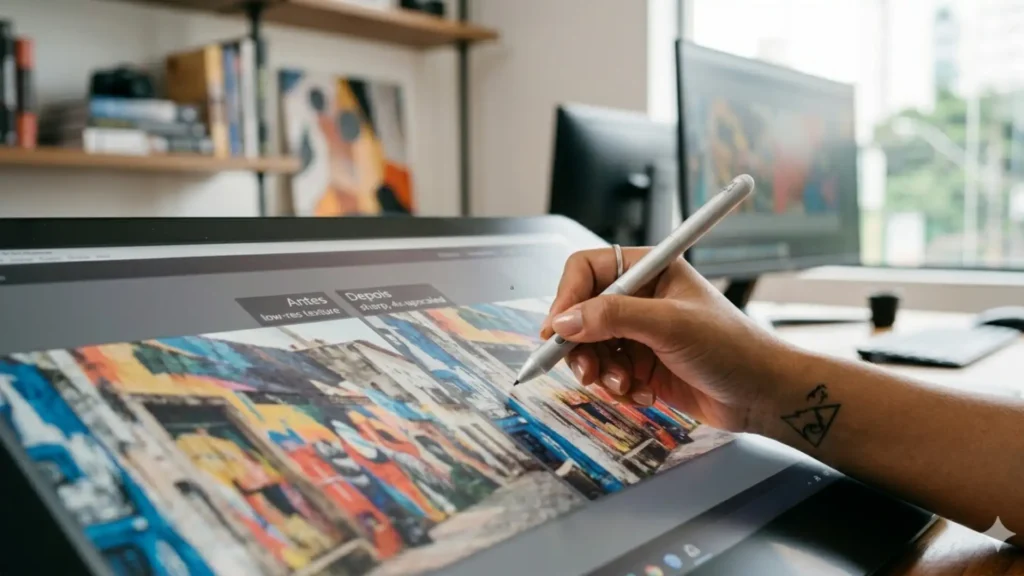
It's fascinating to see how a 2-megapixel photo can be transformed into a two-meter banner without looking like a Lego mosaic. AI bridges that technical gap.
This evolution has rescued old street photography and family records that had been forgotten. Now, these archives gain vibrant textures and a clarity that defies the obsolescence of cameras from the past.
However, let's be honest: no matter how good the algorithm is, it's an assistant, not a miracle worker. The foundation of the work still depends on a minimally coherent and well-lit composition.
What are the trends for the future of resizing?
The next step is contextual consistency. AI will begin to understand that background blur (bokeh) is intentional and not a flaw that needs to be "fixed" or aggressively detailed.
We will also see greater integration between upscaling and color restoration, where the software understands the scene's lighting to reconstruct tones that have been washed out by time or poor sensors.
Mastering the AI-powered image upscaling Now it's about ensuring your visual work doesn't become dated in a world rapidly moving towards augmented reality resolutions and immersive screens.
+ Photo editing apps with cinematic effects
Conclusion: The balance between technology and artistic vision.
Upscaling should not be seen merely as a technical trick, but as an expansion of what is possible. It frees the creator from the limitations of the hardware, allowing the idea to prevail over the equipment.
Achieving extreme detail requires patience to test models and sensitivity to know when to stop. Ironically, excessive technology can rob a good photograph of its soul.
Explore the tools, but maintain your criteria. The ultimate goal is always an image that delights the human eye, not just one that satisfies the metrics of analytics software.
FAQ: Frequently Asked Questions
1. Can AI upscaling create details that didn't exist before?
Yes, especially in generative models. They interpret the context and "draw" textures based on learned patterns, which increases visual richness but can alter absolute fidelity.
2. Why did my image end up looking like plastic?
This happens when noise-removing filters are too strong. To avoid this "wax doll" effect, reduce the smoothing intensity and try to preserve some of the original grain.
3. What is the best format for exporting the final work?
Always prefer PNG or TIFF to maintain the integrity of what the AI created. For quick posts, WebP is the smart choice because it balances file size and quality in a modern way.
4. Are there any free options that actually work?
Projects like Upscayl prove that open source is powerful. They offer solid results without the cost of a subscription, making them ideal for those starting to explore neural scaling.
5. How to edit photos from social media?
These images are "punished" by compression algorithms. The trick is to use a tool that has a specific model for cleaning up JPEG before applying any real scaling.
To deepen your knowledge of the editing tools that are shaping the future, consult the support of [Company Name]. Adobe, where technical innovation meets everyday editorial practice.
