
How to find out how much space each app takes up on your phone.
To know Find out how much space each app takes up on your phone. It has gone from being a mere technical whim to becoming a daily digital necessity for survival.
ADVERTISING
Just a few months of careless use are enough for silent updates and temporary files to devour entire gigabytes, turning a top-of-the-line device into a slow and laggy one.
The problem is that modern applications accumulate data quite aggressively in the shadows of the system.
Without constant monitoring, the user loses control over their own storage and only realizes the damage when the camera rejects a photo due to lack of memory.
This practical guide dissects the inner workings of Android and iOS to show you where your device's storage space is being wasted.
advertising
Below, you'll find the native paths, the hidden differences between data and cache, and straightforward strategies to reclaim your storage without losing what really matters.
Summary
- How do I find out how much space each app takes up on my Android phone?
- How to check app storage usage on iPhone (iOS)?
- What is the difference between the app size and the data stored?
- Which apps consume the most memory on a smartphone?
- How to manage and safely free up space on the system?
- Frequently Asked Questions (FAQ)
- Conclusion
How do I find out how much space each app takes up on my Android phone?
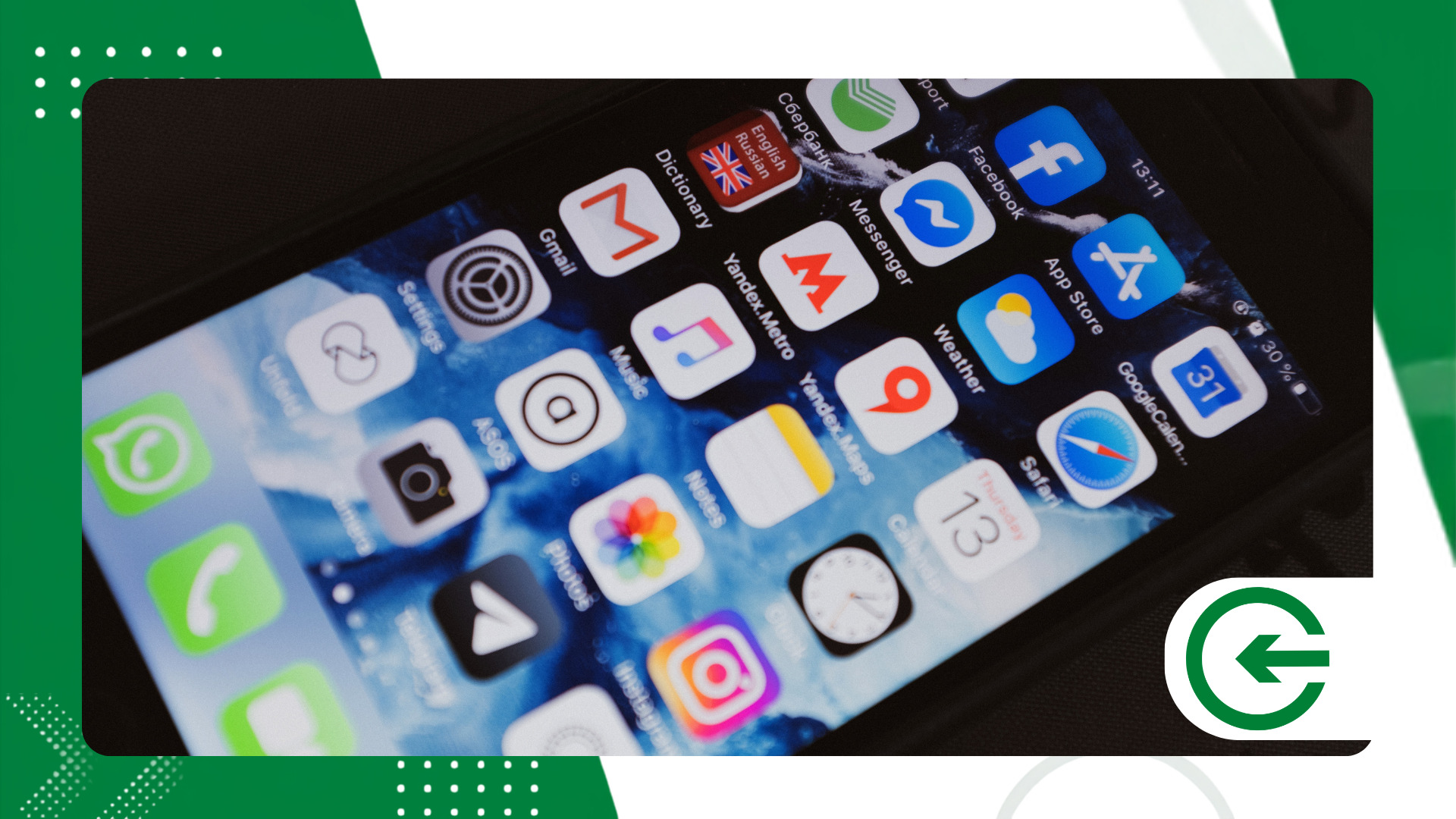
To Find out how much space each app takes up on your phone. With Android, the safest and most direct way is through the system's own control panel.
Each manufacturer applies its own visual layer, but the mechanics behind the scanning follow the same logical pattern in almost all devices.
When you open the settings and access the storage tab, the system performs a quick scan of the physical memory.
Entering the detailed list of applications reveals the actual size of each item in descending order, exposing the true space hogs.
If the native panel seems bureaucratic, Google's Files app solves the problem with a much more practical approach. It categorizes files by frequency of use, bluntly pointing out those forgotten utilities that continue to weigh down the system.
How to check app storage usage on iPhone (iOS)?
On iOS, Find out how much space each app takes up on your phone. It's an extremely clean and centralized process. Apple surgically separates the size of the original installer from the volume of files you generate over the months.
Verification requires only a few taps in the iPhone's general settings menu. By selecting the storage area, the system calculates the size of each software application and organizes everything into a fairly intuitive visual list.
Tapping on a specific app shows you exactly how big the program is and how much space it occupies with documents and data. This distinction prevents you from deleting the wrong app when you only intended to clean up accumulated files.
For technical details about the brand's ecosystem, please refer to official support on... iPhone storageIt offers direct guidance.
What is the difference between the app size and the data stored?
It's quite common to see a downloaded application of 100 megabytes grow to almost 5 gigabytes in a short time. This silent expansion happens because the initial installation and daily use reside in completely different compartments within the system.
The base application size includes only the essential code structure and graphical elements necessary for the interface to open. The data category, on the other hand, stores your preferences, downloaded files, chat history, and locally saved media.
Cache memory functions like a temporary drafts drawer designed to speed up browsing. The problem is that this drawer never empties itself and ends up becoming a large digital junk dump over time.
++ How to find out which apps use your location.
Which apps consume the most memory on a smartphone?
Social networks, instant messaging, and demanding games are fiercely competing for storage space on your device. The table below shows the typical size and real-world impact of these tools on everyday use:
| Application Category | Average Installation Size | Average Cumulative Data and Cache | Level of Impact on Storage |
| Messaging apps (e.g., WhatsApp, Telegram) | 150 MB to 300 MB | 2 GB to 15 GB (with media) | Critical |
| Social Media (e.g., Instagram, TikTok) | 200 MB to 500 MB | 1.5 GB to 8 GB (temporary media) | High |
| Music streaming (e.g., Spotify) | 100 MB to 250 MB | 500 MB to 10 GB (offline music) | High |
| High-Performance Gaming | 2 GB to 15 GB | 1 GB to 5 GB (updates) | Critical |
| Web browsers (e.g., Chrome, Safari) | 150 MB to 350 MB | 500 MB to 3 GB (history/cache) | Average |
Messaging apps, for example, devour gigabytes without even noticing due to the automatic downloading of media files sent in groups.
++ How to find out which apps use your location.
What to do when the "Other" or "System" category takes up too much space?
There's a shadowy compartment in smartphone storage that often leaves users perplexed: the blocks labeled "Other," "System Data," or "Miscellaneous Files."
Unlike regular apps, where the usage bar is clear and transparent, this category looks like a black hole devouring gigabytes without much explanation.
In practice, this mysterious volume contains error logs, temporary update files, voice packs for assistants, and indexing data that the operating system itself accumulates to maintain a fast interface.
When this portion of memory exceeds double digits in gigabytes, the system signals that routine cache cleanup is no longer sufficient.
To bypass this limitation without resorting to a full format, the most efficient solution involves periodically restarting the device to force the deletion of temporary kernel files, or backing up and directly reinstalling the applications that generate the most background logs.
Understanding this behavior prevents the panic of thinking your phone has been infected by a virus, giving you back the ability to accurately diagnose what is really weighing down the device's physical memory.
Why do apps take up so much space in the background?

The technical explanation for the uncontrolled growth in storage directly involves the architecture of modern operating systems.
Whenever you browse a social network or watch a video, the system saves local copies of this temporary data.
This strategy reduces internet consumption and speeds up daily browsing, but gradually overloads the device's physical memory.
Furthermore, continuous software updates bring new features, robust libraries, and high-resolution graphics.
Over the months, the application, originally installed with only a few megabytes, begins to require a significantly larger amount of data to continue operating.
Without a conscious cleanup, this invisible accumulation of files quickly renders internal storage unusable.
To make matters worse, many messaging tools automatically save media to the gallery.
Duplicate photos, chat stickers, and videos received in groups are stored indefinitely in the phone's internal memory.
This passive user behavior regarding automatic downloads transforms storage into a large, disorganized digital repository.
On the other hand, many users hesitate to delete these files for fear of losing important information.
There is a fairly common confusion between clearing an app's temporary cache and deleting essential user account data. The lack of clarity on these concepts means that digital junk remains untouched on the device for months.
++ Apps to find parking spots faster
How to manage and safely free up space on the system?
After locating the storage culprits, the cleanup needs to be surgical to avoid accidentally deleting important documents or irreplaceable photos.
The first practical adjustment is to turn off the automatic recording of photos and videos received in conversations. This simple change prevents memes and temporary videos from permanently cluttering your device's gallery.
In addition, clearing the cache of the most resource-intensive apps immediately frees up valuable space.
Also rethink how you handle the cloud to free up physical storage on your smartphone. Transferring old photos and large documents to remote servers keeps everything accessible without clogging up internal memory.
If you use the Google system, the help page of Google Android It details additional steps to maintain cleanliness.
Frequently Asked Questions (FAQ)
Could clearing app cache delete my photos or messages?
No. Clearing the cache only deletes temporary files created to speed up screens. Your photos, conversations, and account data remain fully protected and intact in storage.
What does the "Uninstall App" option mean on iPhone?
On iOS, uninstalling only removes the app's structure to free up immediate space. All your personal data, history, and settings are saved for when you reinstall the program.
Why is WhatsApp's memory usage constantly increasing?
The app saves every image, video, and audio note received in conversations. Without periodic manual cleanup of the media folder, WhatsApp's size continues to grow.
How often should I check my phone's storage?
Performing a thorough monthly check is sufficient to keep the device running smoothly, identify unnecessary software, and avoid surprises with a full memory when using the camera.
Conclusion
Keeping your phone's storage under control is the key to ensuring your device works as fast as it did the day it came out of the box.
Knowing exactly how Find out how much space each app takes up on your phone. It gives you complete control over your device, eliminating slowdowns and optimizing daily use.
Making it a habit to review your app list, pause automatic downloads, and clear large caches prevents headaches and extends the life of your device.
Apply these steps today and reclaim the space your apps have taken without asking permission.
