
Benefits of connecting your cell phone to a TV
Know the benefits of connecting your cell phone to a TV It changes in practice how we interact with screens in our daily lives.
ADVERTISING
Instead of being stuck with the small screen of a smartphone for everything, integrating the device with a larger panel expands the possibilities for work, browsing, and entertainment without major complications.
The idea here goes beyond simply mirroring a photo for the family to see in the living room.
The idea is to use the television as a natural extension of the digital ecosystem you already carry in your pocket, taking advantage of the phone's processing power in a much more comfortable display area.
Below, you'll find a practical overview of how this integration works, the most efficient connection methods, performance comparisons, and direct answers to frequently asked questions.
advertising
Summary
- Why is mirroring your smartphone screen on your television worthwhile?
- What are the main benefits of connecting your cell phone to a TV on a daily basis?
- How does phone mirroring improve remote work and learning?
- What is the difference between a wired HDMI connection and wireless technologies?
- Practical comparison of connection methods
- What advanced productivity features emerge when integrating devices?
- Conclusion
- Frequently Asked Questions (FAQ)
Why is mirroring your smartphone screen on your television worthwhile?
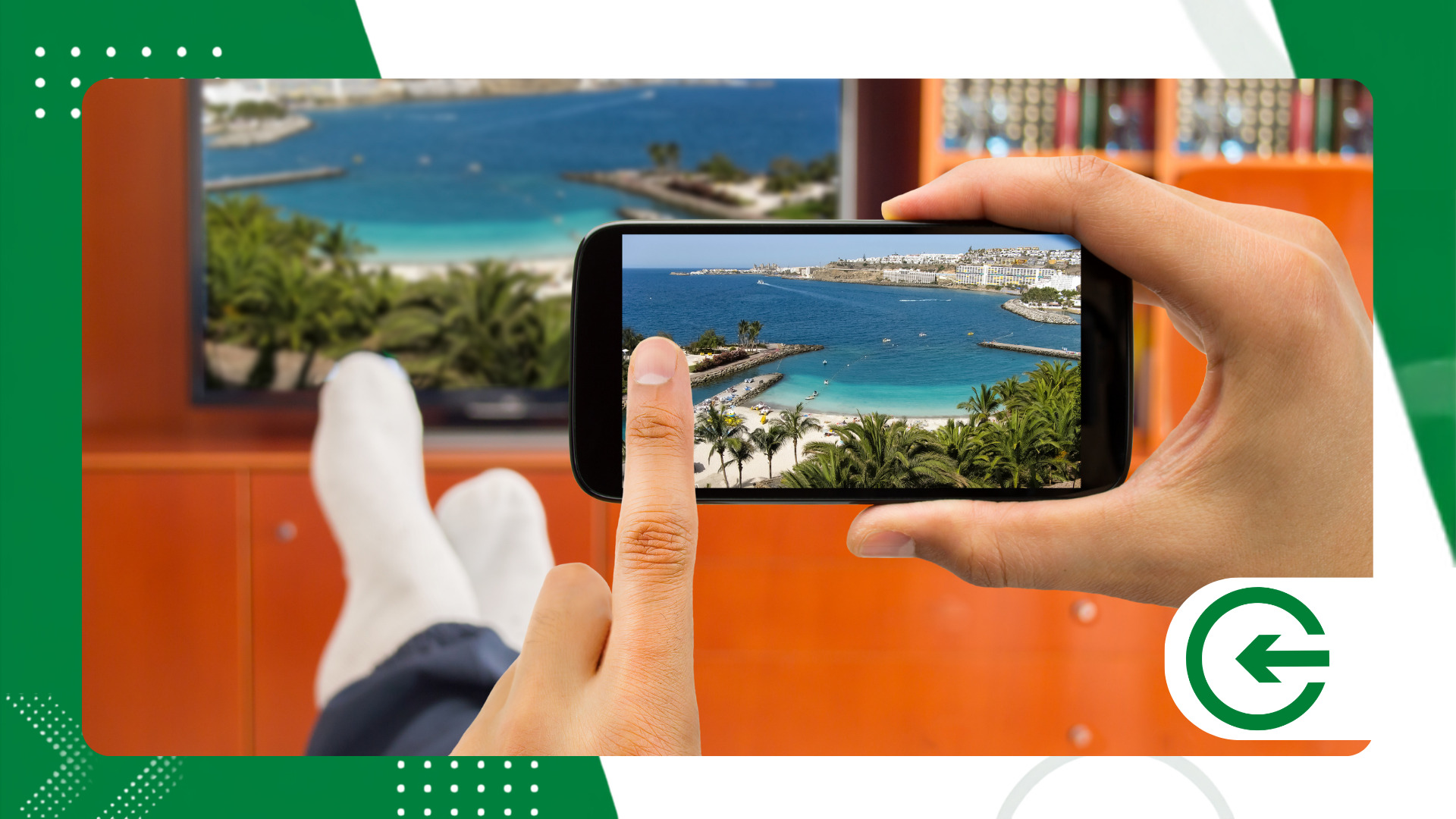
We centralize almost our entire digital routine on our cell phones: documents, photos, bank accounts, and streaming subscriptions.
However, insisting on consuming dense media or working for hours on a six-inch screen takes its toll on posture and eye strain.
By transferring the image to a larger screen, you gain ergonomics without losing the agility of the mobile operating system. It's a simple move that eliminates the need to turn on a laptop for quick tasks that the phone itself can handle.
Understanding the benefits of connecting your cell phone to a TV It involves realizing that television doesn't have to be a passive receiver. It can function as a dynamic monitor for your personal data center.
What are the main benefits of connecting your cell phone to a TV on a daily basis?
The most obvious advantage is the immediate visual comfort when displaying photos, home videos, and recordings on 4K panels. Details come to life in a dimension entirely different from that of a portable screen.
Another convenient feature is navigating video applications. The smartphone's touchscreen becomes an agile and intuitive remote control, eliminating the slow and irritating typing required by traditional Smart TV remotes.
For those who enjoy casual gaming, the mobile phone takes on the status of an accessible console. Simply pair a Bluetooth controller with the phone and project the image onto the TV to play well-known titles without needing to invest in a dedicated video game console.
At family or friend gatherings, streaming simplifies sharing. Everyone can watch videos of trips or presentations without anyone having to crowd around a small screen.
There's also the financial factor. Utilizing the infrastructure already in your living room saves you the cost of buying extra computers or secondary devices for functions that your smartphone already performs with ease.
How does phone mirroring improve remote work and learning?
In remote work, using the TV for video calls on Zoom, Teams, or Meet changes the dynamics of the meeting. You can see the participants in real size while keeping your cell phone free for quick notes or file consultation.
For students, reading long texts or watching video lessons on a larger screen helps maintain attention for longer. Reading becomes less tiring, and visualizing graphs or diagrams becomes much clearer.
Corporate presentations also become more agile. In prepared meeting rooms, it's possible to project slides stored in the cloud directly from the phone, eliminating the need to carry heavy laptops or deal with adapters that never work on the first try.
Many current systems also feature intelligent multitasking modes. This means you can project a slide or video onto the TV and continue replying to private messages on your phone without interrupting the public display.
What is the difference between a wired HDMI connection and wireless technologies?
The choice of connection method depends on what you prioritize at the moment: practicality or absolute stability.
Wireless solutions like Chromecast, AirPlay, and Miracast eliminate the need for wires scattered on the floor and give you complete freedom of movement around the room.
These protocols work very well over standard home Wi-Fi networks for playing movies, TV series, and slideshow presentations.
For relaxed everyday use, they tend to be the most comfortable option.
On the other hand, when it comes to competitive gaming or a broadcast that absolutely cannot fail, the physical connection via USB-C to HDMI cable remains unbeatable.
It delivers a stable signal without suffering from wireless network fluctuations or unwanted delays in command response.
To understand the official wireless transmission standards and device compatibility, it is worth consulting the technical documentation of [the relevant authority/company]. Wi-Fi Alliance, which defines the global guidelines for the sector.
Knowing how to switch between wired and wireless connections as needed is the secret to getting the best performance from your set of devices.
++ Smart air quality monitors are gaining ground.
Practical comparison of connection methods
Each connection method has its clear strengths and limitations. The following table summarizes the practical behavior of the main alternatives found on the market.
| Connection Method | Latency / Delay | Ease of Use | Signal Stability | Main Recommendation |
| Google Chromecast | Low to Medium | Very High | It depends on the Wi-Fi. | Streaming videos and movies |
| Apple AirPlay 2 | Very Low | Excellent (iOS) | High (Wi-Fi 5/6) | Apple ecosystem and media |
| Wi-Fi Direct / Miracast | Average | High | Average | Direct mirroring without a router |
| USB-C to HDMI cable | Almost Zero | Medium (requires cable) | Maximum | Games and critical presentations |
Paying attention to these differences prevents frustration with minor glitches during an important meeting or slowdowns in games that require quick reflexes.
++ How to use Find Hub to remember where you left things at home.
What advanced productivity features emerge when integrating devices?
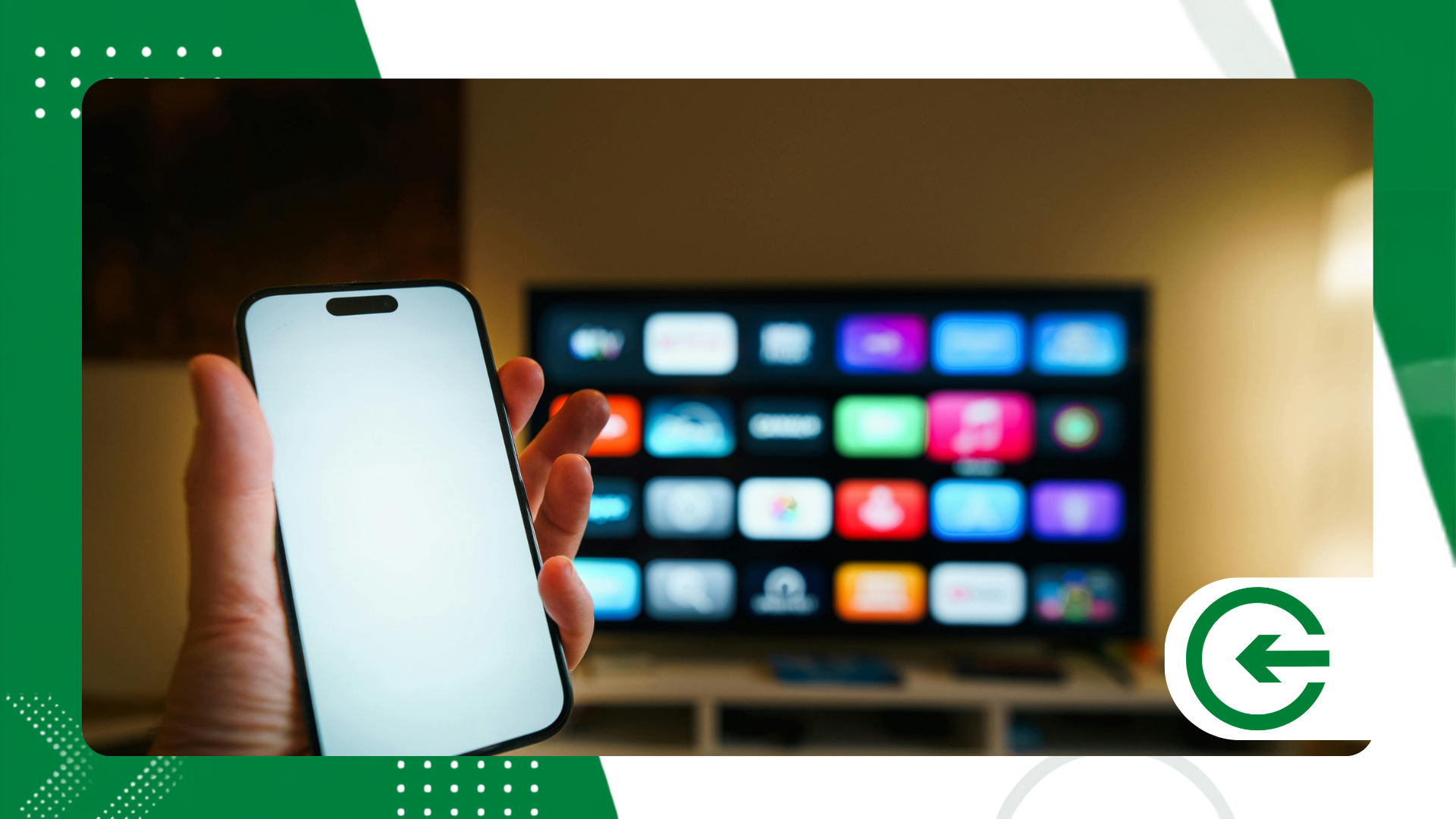
Investigate the benefits of connecting your cell phone to a TV It reveals quite mature productivity solutions.
Ecosystems like Samsung DeX, for example, restructure the smartphone interface so that it functions like a traditional desktop computer system.
When this mode is activated, the TV displays a workspace with floating windows and a taskbar.
By connecting a Bluetooth mouse and keyboard to your cell phone, you can have a complete workstation without needing to turn on a computer.
Motorola follows a similar approach with Ready For, adapting navigation for large screens and facilitating tasks such as document editing, spreadsheet organization, or quick video review.
Even on devices that don't have a native desktop mode, simple mirroring allows you to run full web browsers on your living room screen, expanding search and entertainment options for any recent Smart TV.
Television can also become a control panel for home automation.
With your phone connected, it's easy to check security cameras, adjust smart lights, and monitor household routines directly on the main screen.
Direct access to files in the cloud ensures your data is always available for immediate viewing. It's digital convergence working to simplify tasks that previously required several intermediate steps.
++ How to use Wi-Fi smart plugs to save energy
Conclusion
Connecting your smartphone to the television has gone from being an occasional trick to a practical solution for productivity and comfort.
You benefits of connecting your cell phone to a TV They range from improving ergonomics for daily reading to creating complete workstations in any environment.
Experimenting with the available options — whether direct cables or wireless transmissions — allows you to discover which combination best fits your study, work, or leisure routine.
It's about making smarter use of the hardware you already have at home, extending the lifespan and usefulness of your electronics without needing to make new investments.
For details on technical specifications, supported resolutions, and cable connectivity standards, please visit the official website. HDMI Licensing Administrator.
Frequently Asked Questions (FAQ)
1. Can any cell phone be connected to any television?
The vast majority of current smartphones connect to Smart TVs via Wi-Fi using Chromecast, AirPlay, or native mirroring. For a physical connection via HDMI cable, the phone needs to support video output on the USB-C port (DisplayPort Alternate Mode technology).
2. Do I need Wi-Fi internet to connect my cell phone to the TV?
For cloud-based streaming services, Wi-Fi is required. However, connections via HDMI cable or direct technologies such as Wi-Fi Direct and Miracast work perfectly without an internet signal.
3. Does the phone battery drain faster during screen mirroring?
Yes, continuous video streaming requires more processing power and consumes more battery. Using HDMI adapters with pass-through power input allows you to keep your phone charging while streaming.
4. Is there a delay in the image when playing games with my phone mirrored on the TV?
On wireless networks, there may be a slight delay (input lag), varying depending on the Wi-Fi quality. For games that require immediate responses, a USB-C to HDMI cable is the recommended choice.
5. Is it possible to use the cell phone for other tasks while it's streaming a movie?
Yes. When you use the casting feature of apps like YouTube or Netflix, the video plays on the TV, leaving your phone free for messages, calls, or other browsing without interrupting what's playing on the main screen.
